
Check Engine Light On? What It Means and What to Do First
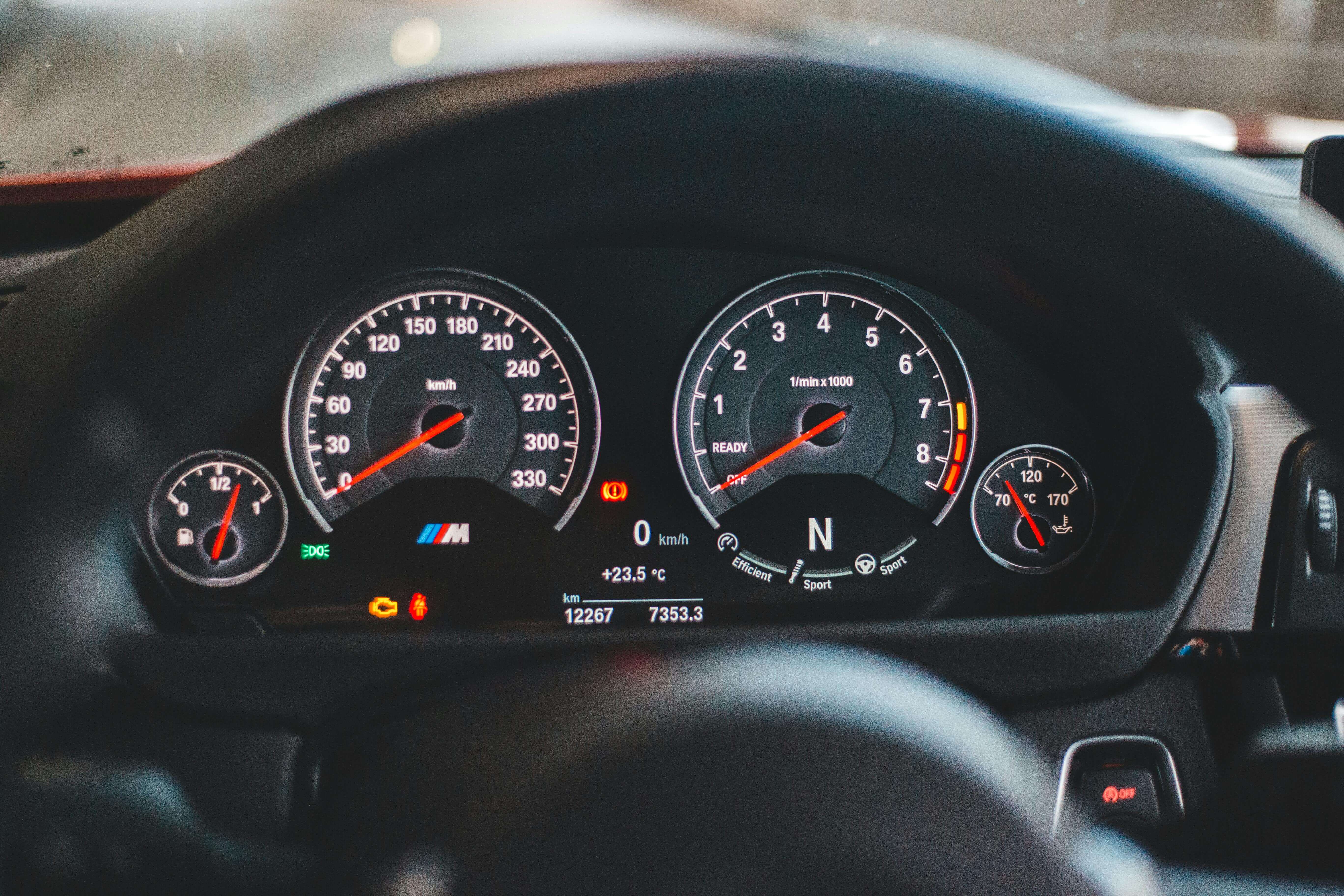
Understand what the warning means and what to do first — even if you’re not a mechanic.
Best first step
The fastest way to figure it out is to read your code with a simple OBD2 scanner.
Read your code step-by-step →
Quick answer: Your car detected a problem and stored a code.
First, check whether the light is solid or blinking. Then read the code with a simple OBD2 scanner to understand what to do next.
See our recommended beginner scanners below.
Our recommendations are based on independent research, real user feedback, and beginner-focused criteria. See how we choose scanners .
Written by an independent car diagnostics researcher focused on helping non-technical drivers understand warning lights.
Start Here
Choose what matches your situation:
What to Do First
-
1
Read the code with a simple OBD2 scanner
-
2
Understand what the code means
-
3
Decide if it’s safe to drive or needs fixing
Common Trouble Codes
Already scanned your car? Start with these:
Beginner Guides
If you're just starting, these beginner guides will help you understand the basics step by step:
More OBD2 Codes for Beginners
Looking for another code? Browse our full collection of beginner-friendly OBD2 code guides.
Top picks for beginners
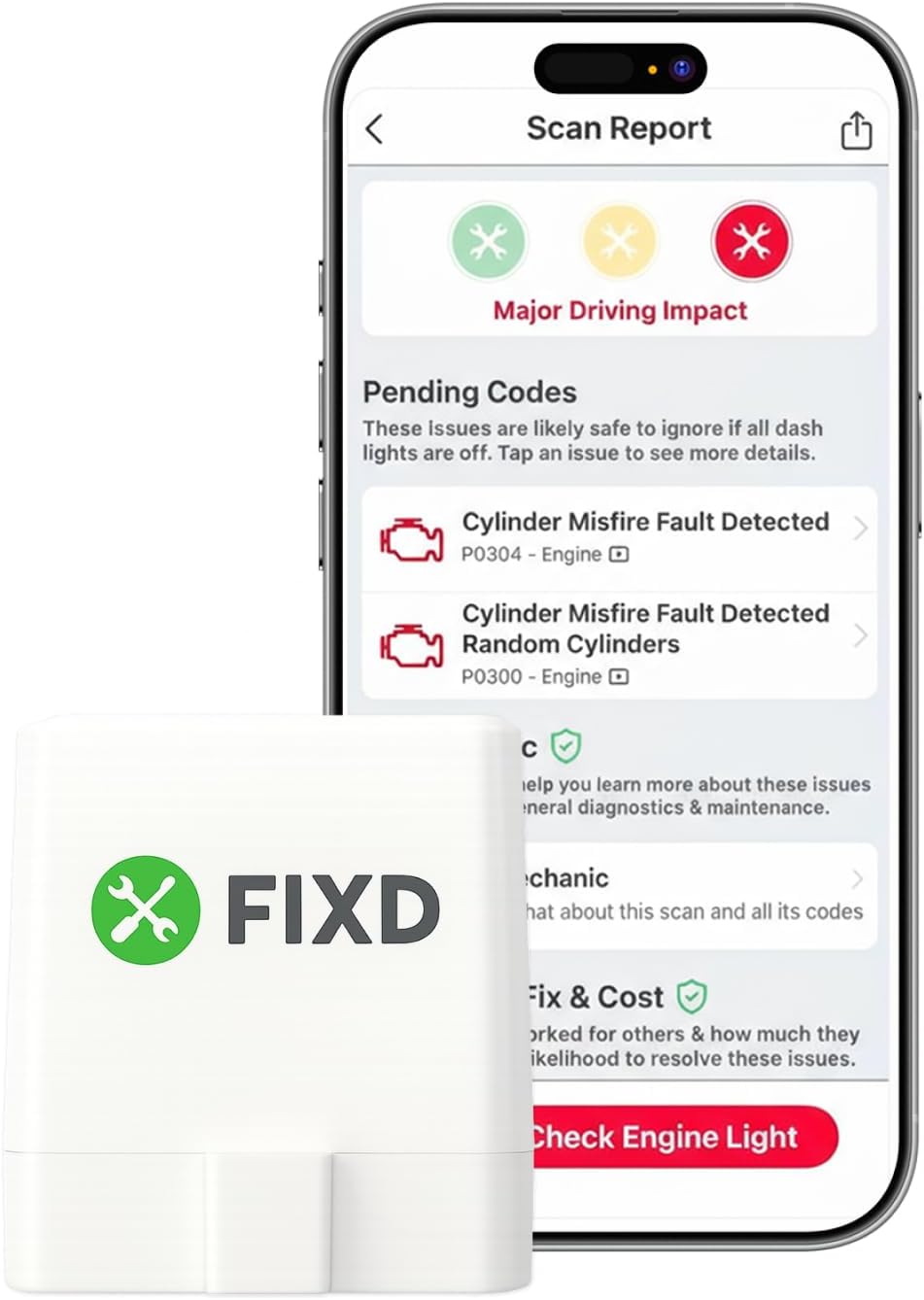
Best OBD2 Scanner for First-Time Users (Simple Setup & Clear Explanations)
- Compatible with iOS & Android
- Simple mobile app setup
- Provides code explanations (some features optional)
Not ideal if you want deep professional diagnostics or advanced mechanic-level features.
For most first-time users, the FIXD Bluetooth OBD2 Scanner offers one of the simplest setups and the clearest explanations through its mobile app.
This scanner is a good choice if you want clear explanations with an easy setup.
This is our independent recommendation for beginners.
👉 Not sure which scanner to choose? See the full beginner comparison .
Still unsure what your check engine light means? Learn the difference between Bluetooth and wired scanners first .
How to choose an OBD2 scanner
For most beginners, the best choice is a scanner that works with your phone, has a stable connection, and explains trouble codes clearly.
- Check compatibility with your car (most 1996+ vehicles support OBD2)
- Choose iOS + Android support if you might switch phones
- Avoid ultra-cheap clones — they often have connection issues
Unsure about Bluetooth vs wired? Read our beginner guide before choosing a model.
Quick Questions Beginners Ask
Can I drive with the check engine light on?
Sometimes yes, sometimes no. If the light is steady, the issue may not be urgent. If it’s flashing, you should stop driving and check the code immediately.
One common code behind a flashing check engine light is P0300, which indicates random or multiple cylinder misfires.
Do I really need an OBD2 scanner?
Yes. It’s the fastest way to understand why a warning light is on before visiting a mechanic.
Will an OBD2 scanner fix my car?
No. It identifies the problem so you can decide what to do next.