
Easiest for beginners
FIXD Bluetooth OBD2 Scanner
Simple app flow, plain explanations, and a very guided first scan.
Some links on this page are affiliate links. We may earn a commission at no extra cost to you.
Start with the scanner that matches the way you want to use it. You do not need the most advanced tool if you only want to read a check engine light code.
Easiest for beginners
Simple app flow, plain explanations, and a very guided first scan.
No-subscription app option
No subscription or add-on fees, with enhanced diagnostics available on supported vehicles.
Best wired scanner
Good if you want a handheld scanner with no app, no pairing, and a simple screen.
Best under $50
Budget choices change faster, so the dedicated under-$50 guide is the better place to compare them.
Best if you want repair suggestions
Best fit if you want more context after reading a code, not just the code number.
Just want a simple scanner that works?
For most beginners, you don’t need anything complicated.
✔ Reads & clears codes
✔ Works with your phone
✔ Beginner-friendly app setup
👉 See the exact scanner most beginners start with
Most beginners do not need professional diagnostics. They just want to understand why the check engine light came on without paying a shop to read one code.
Best Beginner-Friendly OBD2 Scanner
Best for beginners
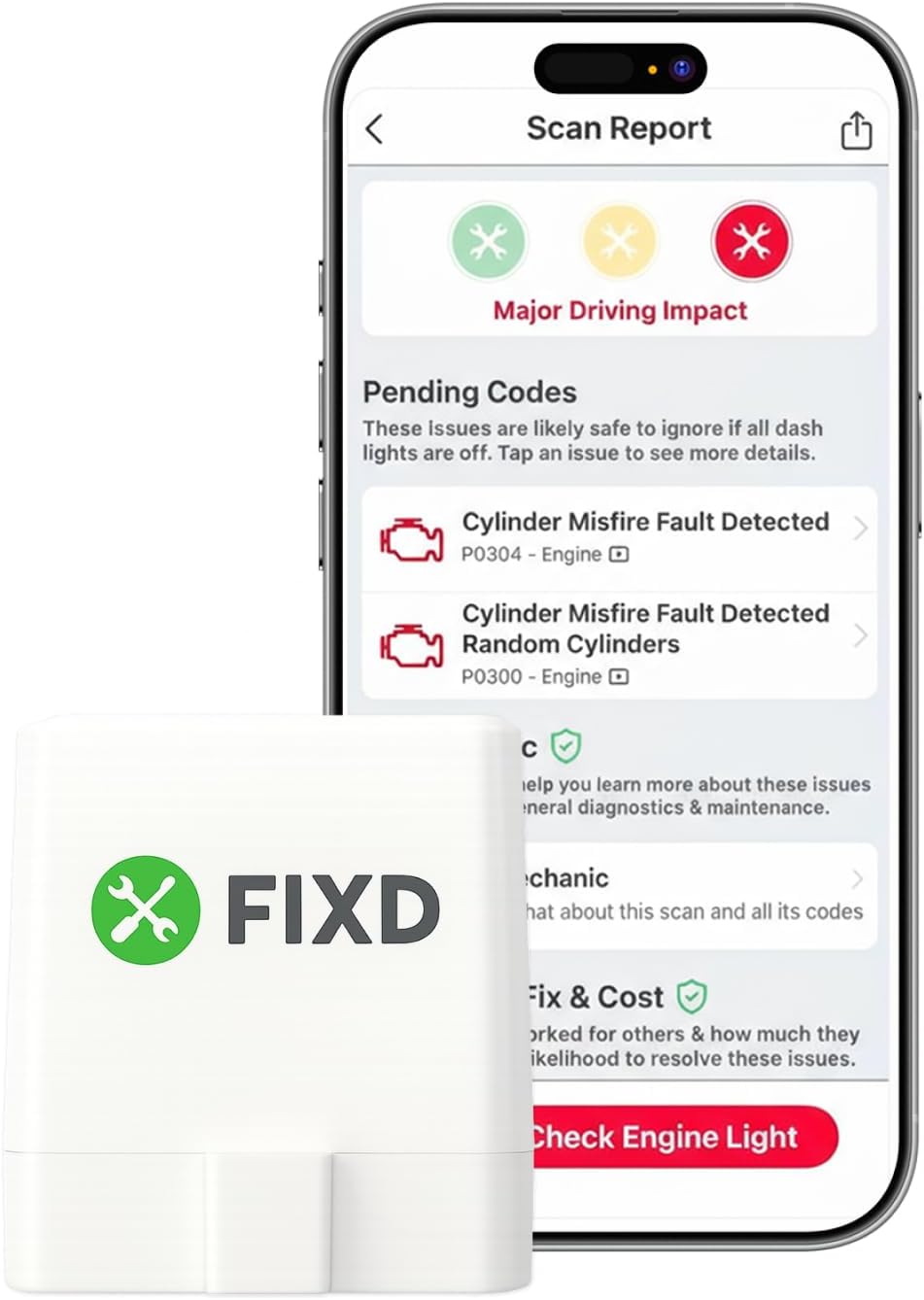
Best beginner-friendly pick for simple everyday diagnostics
Best for: first-time users who want a guided app and simple check engine light explanations.
Core use: the free FIXD app can scan codes, clear the check engine light, and show issue severity.
Optional paid extras: FIXD Premium adds features such as repair-cost information and access to mechanics. Premium is not required for basic code scanning and clearing.
Skip if: you want a scanner with no optional subscription layer or broader third-party app flexibility.
For most beginners, the FIXD Bluetooth OBD2 Scanner is one of the easiest starting points. The app focuses on simple explanations instead of raw diagnostic data, which makes the experience feel much less overwhelming for first-time users.
Check current priceShort answer: If you want the simplest start with clear explanations, choose a Bluetooth scanner with a beginner-friendly app.
Not sure whether it’s safe to keep driving? Read this first .
Choosing your first OBD2 scanner can be confusing. There are dozens of models, apps, and features that all claim to be beginner-friendly.
If you're completely new to car diagnostics, learn how to use an OBD2 scanner step-by-step before choosing a model. If you plan to use your phone, see best OBD2 scanner for iPhone .
How this guide is researched: These recommendations are based on manufacturer information, listed compatibility, feature coverage, paid-feature terms, price position, and beginner usability. We do not claim hands-on testing of these scanners.
New to car diagnostics? Start here first .
Quick comparison of beginner-friendly OBD2 scanners.
| Model | Type | Platform | Ease of Use | Best for | Details |
|---|---|---|---|---|---|
| FIXD Bluetooth OBD2 Scanner | Bluetooth | iOS / Android | Very easy | Best for beginners Simple setup + guidance | View details |
| BlueDriver Bluetooth Pro | Bluetooth | iOS / Android | Very easy | No subscription Easy app with more information than most basic scanners | View details |
| ANCEL BD200 Elite | Bluetooth | iOS / Android | Easy | Budget option Basic diagnostics | View details |
| TOPDON TopScan | Bluetooth | iOS / Android | Easy | More features More live data + features | View details |
| OBDLink MX+ | Bluetooth | iOS / Android | Easy | Long-term option Fast & stable connection | View details |
Need ABS, airbag, transmission, or other enhanced diagnostics? Check coverage for your exact year, make, and model before buying.
Not all OBD2 scanners are designed for the same type of user. Some focus on simple setup and clear explanations, while others provide more advanced diagnostic features.
For this guide, we focused on scanners that are beginner-friendly, reliable, and easy to understand without mechanical experience.
When comparing these scanners, the most important factors were:
Most beginners don’t need professional-level tools. A scanner that clearly explains the codes and connects reliably will usually be the best choice.
Simple decision rule: choose FIXD if your priority is a guided first scan and simple explanations. Choose BlueDriver if you want no subscription fees and broader enhanced diagnostics on supported vehicles.
Choose Bluetooth if you want phone-app explanations and saved results. Choose wired if you want a basic handheld tool with no app setup.
For a simple side-by-side breakdown, read Bluetooth vs wired OBD2 scanners before picking a model.
Already know you want a phone-based wireless scanner? Compare our Best Bluetooth OBD2 Scanners for Beginners for Bluetooth-specific picks and app compatibility.
Connection problems do not always mean the scanner is bad. The issue can be the app, Bluetooth pairing, phone permissions, ignition position, OBD2 port power, or a fuse.
Start here before returning the scanner: OBD2 scanner not connecting .
Choose FIXD if you want the simplest beginner experience. Choose BlueDriver if you want a scanner that can stay useful even after you learn the basics.
Best for: first-time owners who want a guided app for check engine light explanations.
Main limitation: it requires the FIXD app and an account, and some extra repair-help features are part of optional FIXD Premium.
Skip it if: you want a scanner that works without a phone or you prefer broad third-party app support.
Choose this if you want the easiest guided app experience.
Check price on Amazon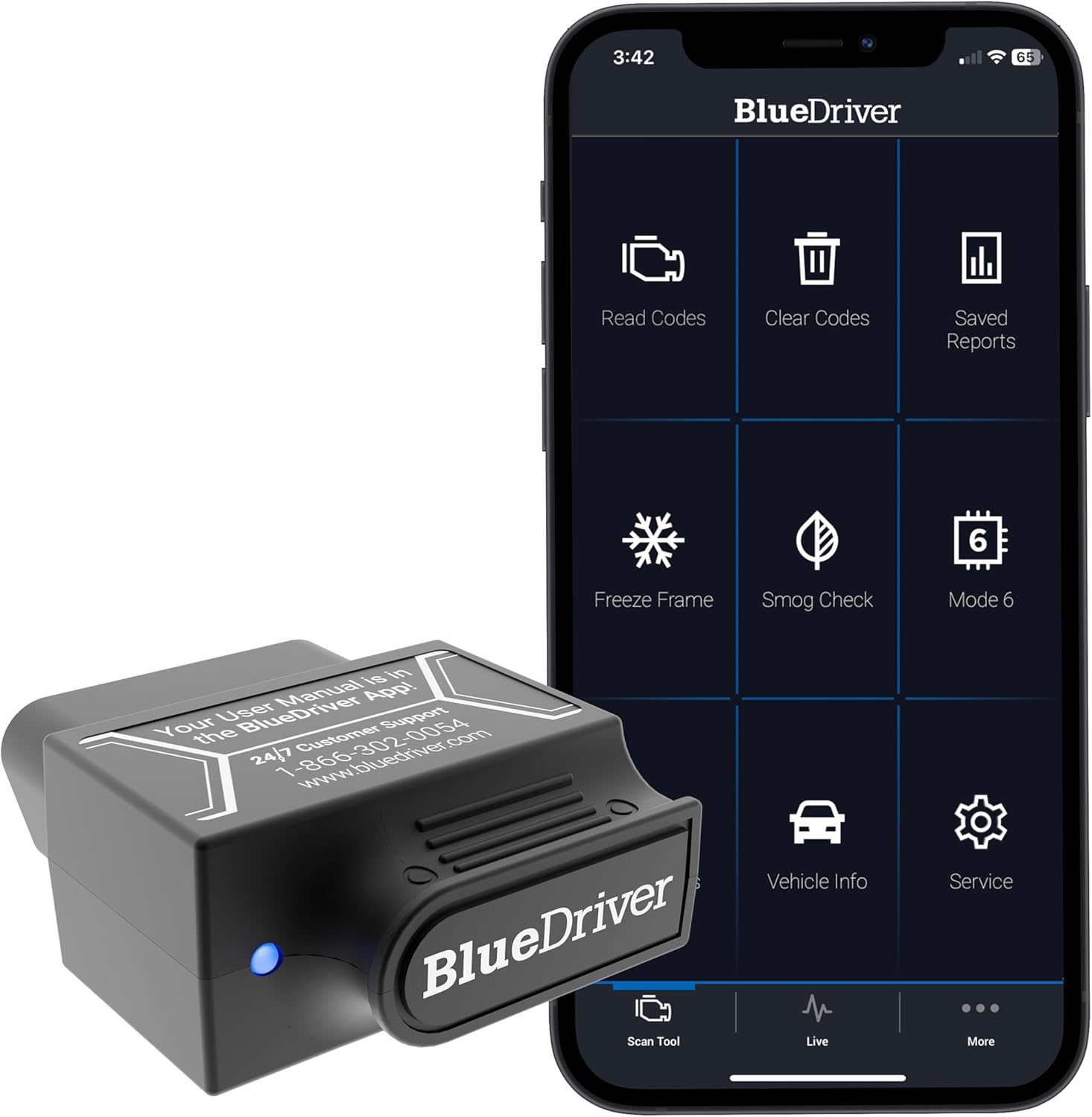
Best for: beginners who want a phone-based scanner with no subscription fees and more diagnostic depth than a basic engine-code reader.
Main limitation: it costs more than many basic Bluetooth adapters, and enhanced-system coverage depends on the vehicle.
Skip it if: you only need the cheapest way to read and clear a basic check engine light code.
Choose this if you want a guided phone-app scanner with clear beginner-oriented explanations.
Check price on Amazon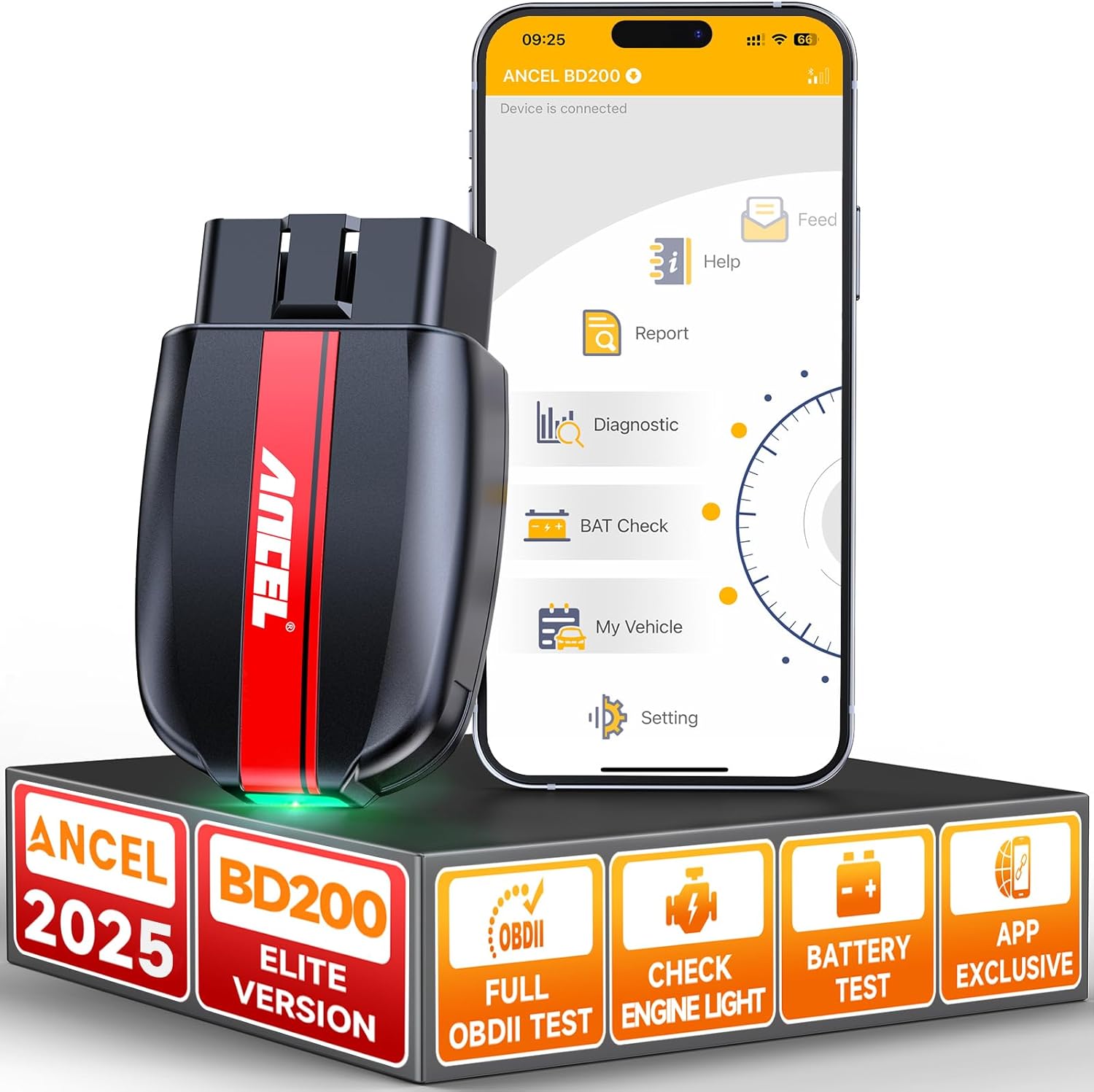
Best for: budget Bluetooth buyers who want standard OBD2 functions with ANCEL’s own app.
Main limitation: the BD200 is built around ANCEL’s own app, so it is a less flexible choice if third-party app support is important to you.
Skip it if: app flexibility or deeper repair guidance is more important to you than keeping the setup inexpensive.
Choose this if you want a budget Bluetooth scanner with an included app.
Check price on Amazon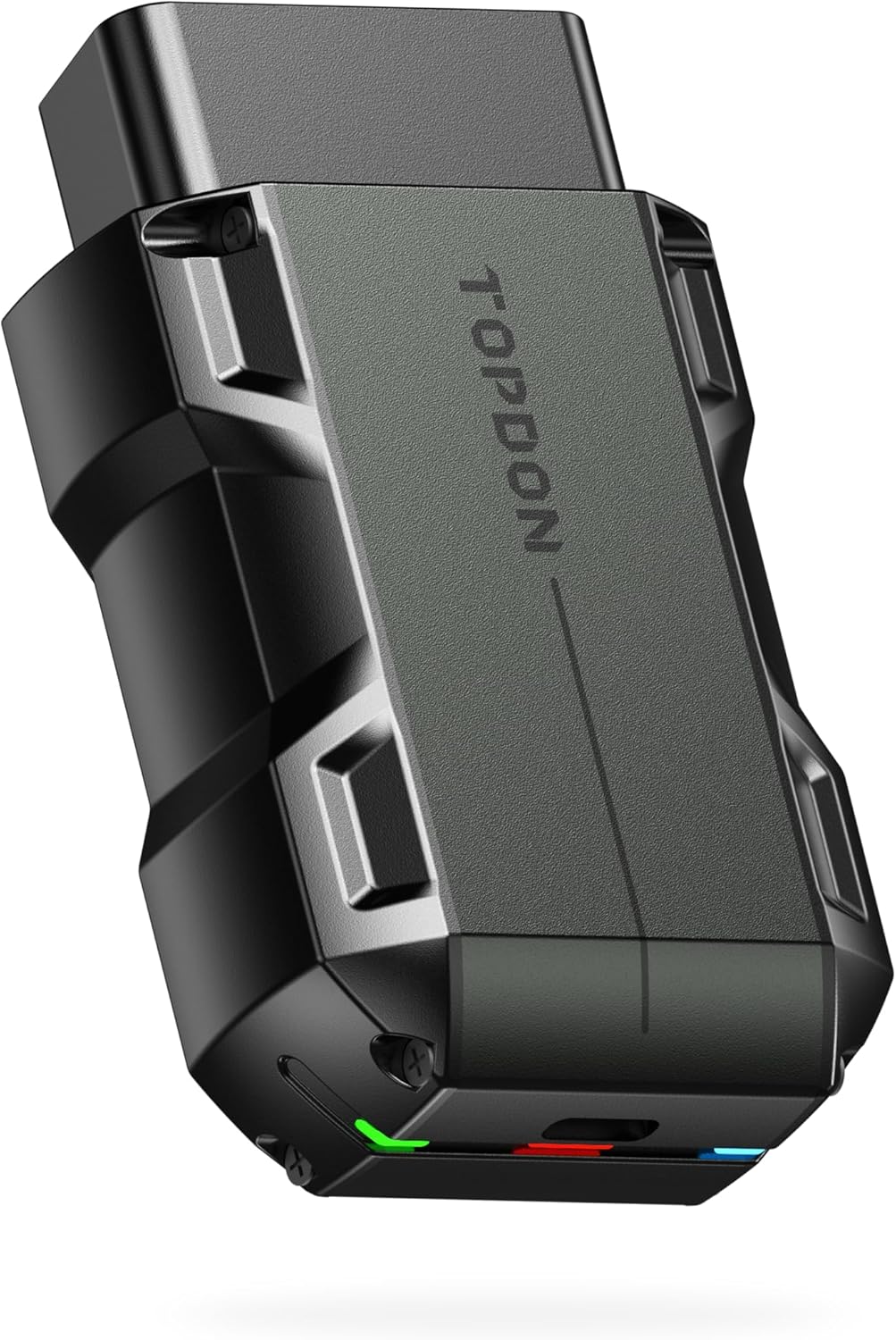
Best for: users who want more diagnostic functions than a basic check engine light reader.
Main limitation: the app has more menus and features, and after the included update period expires, standard OBD2 remains available but other diagnostic software requires renewal.
Skip it if: you want the simplest possible first scan with no update-plan decisions.
Choose this if you want extra features and are comfortable with a more capable app.
Check price on Amazon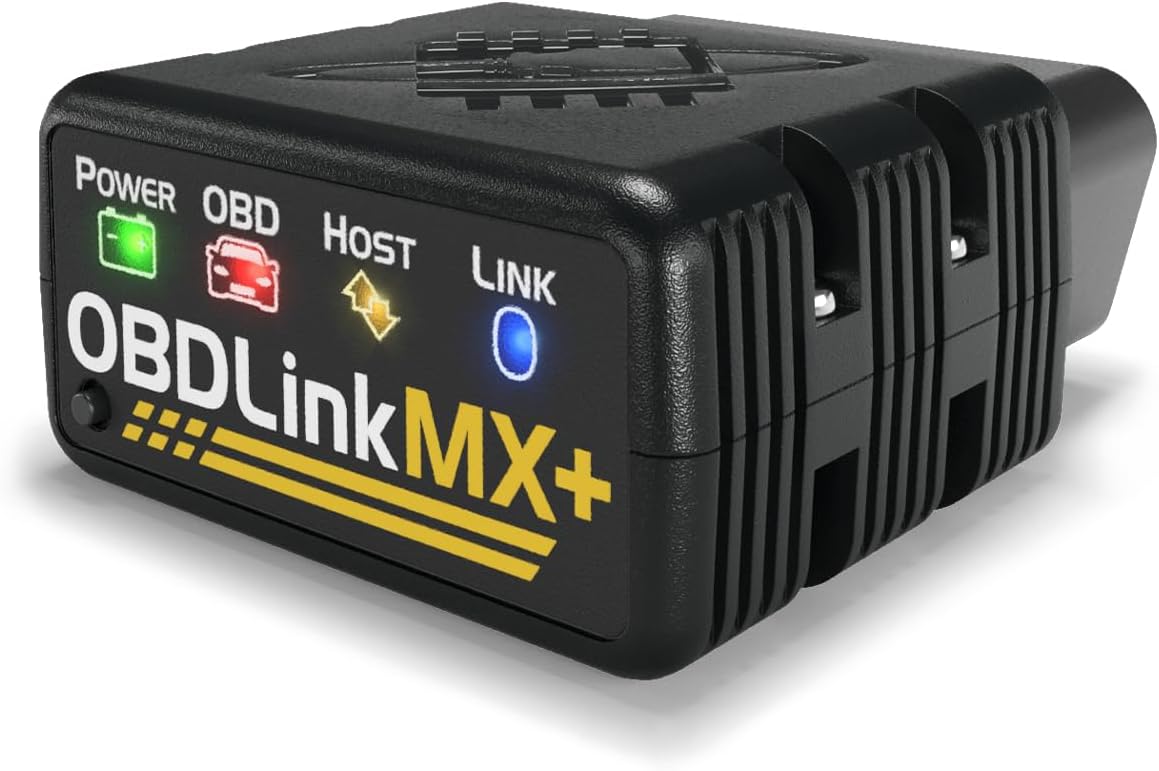
Best for: long-term users who want a flexible Bluetooth adapter with included apps and broad third-party app support.
Main limitation: the upfront price is higher than many basic adapters, and advanced capabilities depend on the vehicle and app being used.
Skip it if: you only need a low-cost tool for an occasional basic check engine light scan.
Choose this if you want a premium adapter you can keep using beyond basic code checks.
Check price on AmazonWe focused on beginner-friendly setup, phone and app compatibility, ability to read and clear check engine codes, diagnostic coverage, paid-feature or update requirements, price position, and common setup issues.
These recommendations are research-based rather than hands-on test results. We checked current manufacturer product and support information for the features that matter most to a first-time OBD2 buyer.
Compatibility, diagnostic coverage, subscriptions, and update terms can change. Check the manufacturer’s current information for your exact vehicle before buying.
If you are new to car diagnostics, this guide will help you understand what features really matter.
Want a quick overview of the differences? Read our Bluetooth vs Wired OBD2 Scanners (Beginner Guide) to understand how they compare.
That code points to a specific issue. You’ll need to understand what the trouble code means before deciding what to fix. For example, read our P0420 code guide or P0300 code guide.
Yes. An OBD2 scanner helps you understand why a warning light is on and whether the issue is likely minor or needs further attention. It gives beginners clarity instead of guesswork.
Most cars made after 1996 support OBD2. All Bluetooth scanners recommended on this page are designed to work with these vehicles, as long as the app supports your car’s make and model.
For most beginners, yes. Bluetooth scanners work with mobile apps that explain error codes in plain English, which makes them easier to understand than basic standalone tools.
Many current Bluetooth scanners support both iPhone and Android, but not every low-cost adapter does. Android often works with classic Bluetooth adapters, while iPhone commonly needs BLE or Wi-Fi support. Always check the required app and phone compatibility before buying. If you use an iPhone, see Best OBD2 Scanner for iPhone for compatible picks.
Not always. BlueDriver currently has no subscription or paid add-ons, while FIXD can perform basic code scanning and clearing with its free app and offers Premium as an optional upgrade. TOPDON TopScan includes one year of updates; after that period, standard OBD2 remains available but other diagnostic software requires renewal. Always check the current terms for the exact scanner you are buying.
No. An OBD2 scanner does not repair anything. It helps identify problems so you can decide whether to handle the issue yourself or visit a mechanic.
Not necessarily. Beginners benefit more from easy setup, stable connection, and clear explanations than from advanced professional features. More advanced scanners are better suited for users who want deeper diagnostics.
It’s generally recommended to unplug the scanner after use. This helps avoid unnecessary battery drain and keeps the setup simple for beginners.