Some links on this page are affiliate links. We may earn a commission at no extra cost to you.
Using an Android phone and want a scanner that does not feel confusing?
Android gives you more app choices than iPhone, but that can also make the decision harder.
The best pick is not just the cheapest adapter — it is the one that connects reliably and gives you code information you can actually understand.
✔ Android-friendly Bluetooth picks
✔ Good app support for beginners
✔ Read and clear check engine codes
Simple app experience without feeling too technical
Clear explanations instead of raw code numbers
No need to choose between many third-party apps first
Best for: Android users who want the simplest all-around setup.
Skip if: you mainly want the cheapest possible Bluetooth adapter.
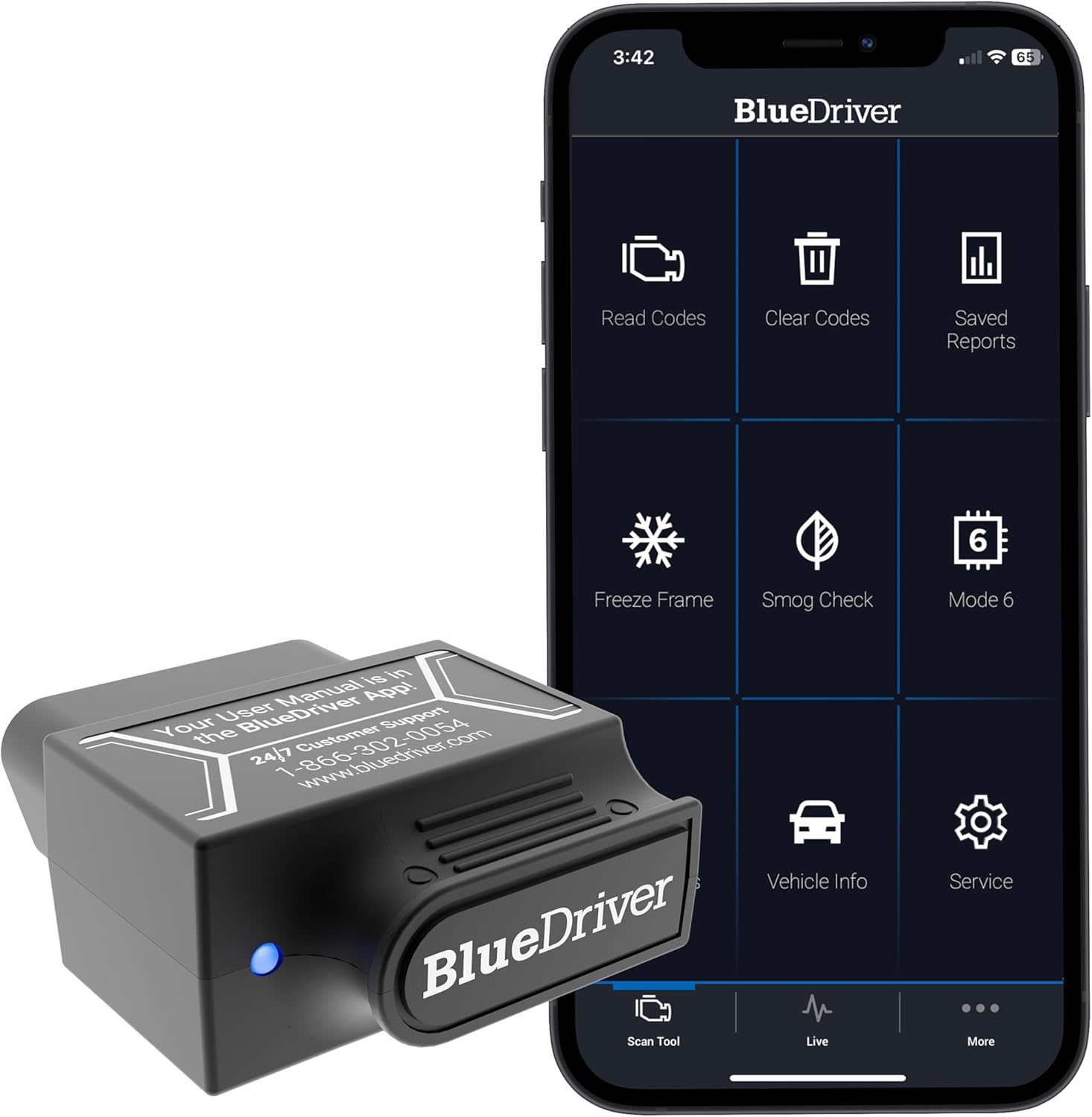
For Android beginners who want a guided app, BlueDriver is a good all-around starting point.
Android gives you many OBD2 app choices,
but BlueDriver keeps the experience more guided so you can read a code and understand what it means without extra setup confusion.
Quick answer:
Start with BlueDriver if you want a guided Android app experience.
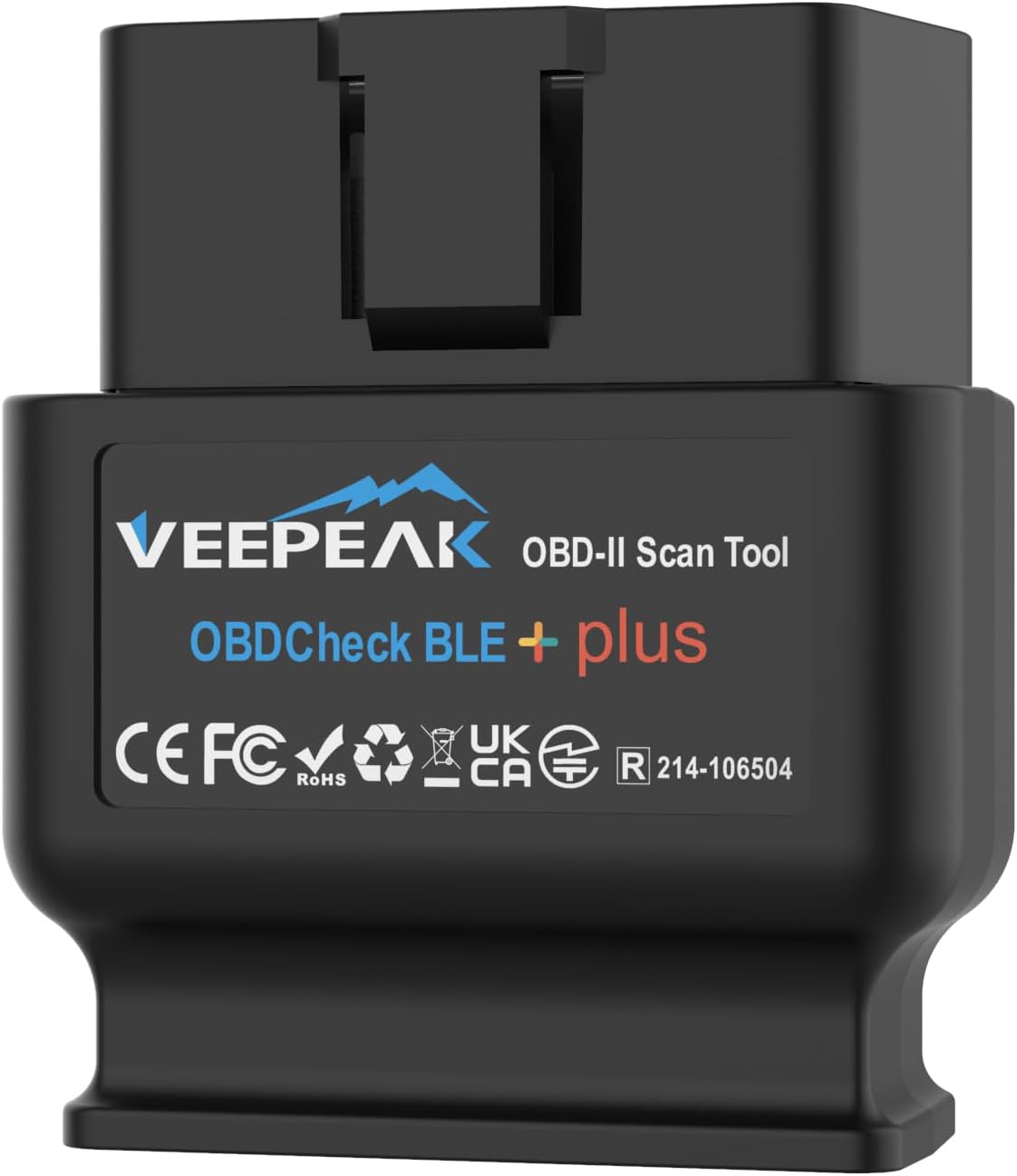
Start with Veepeak OBDCheck BLE if you want a cheaper adapter with strong third-party app flexibility.
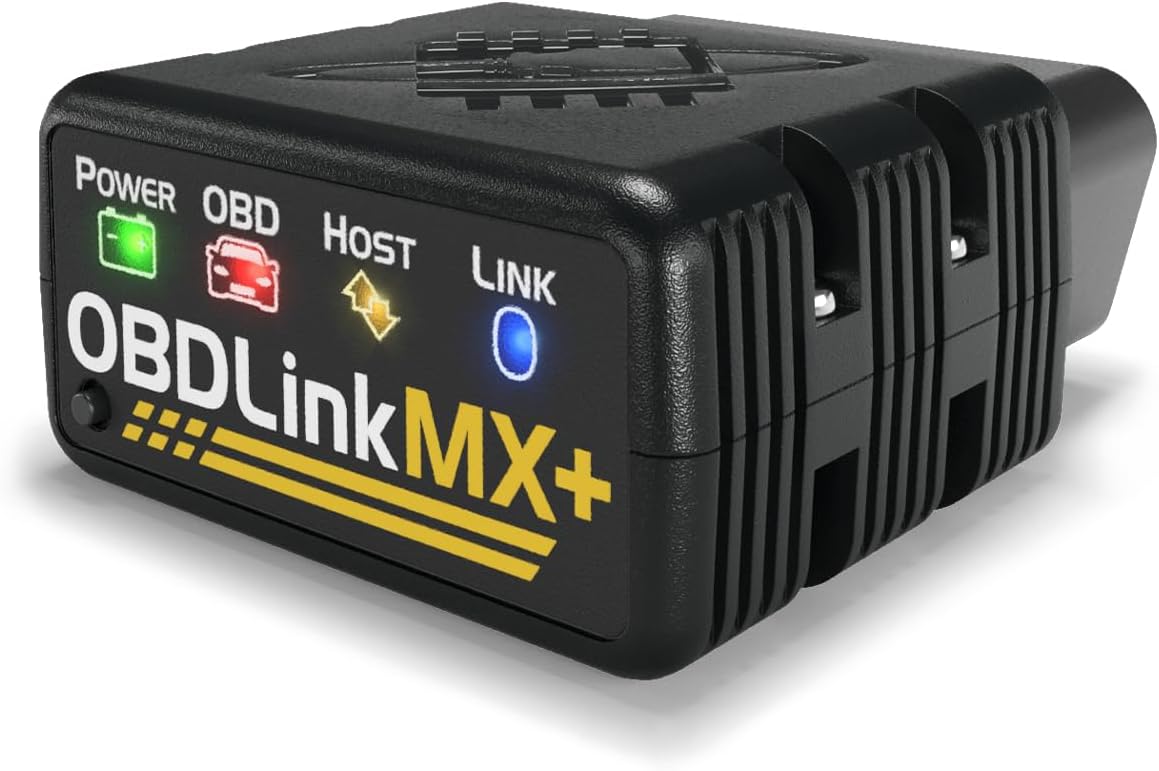
Choose OBDLink MX+ if you want a premium scanner that can grow with you.
Android is a great platform for OBD2 scanning because it supports many apps and adapters.
The downside is that very cheap adapters can be hit-or-miss,
and some apps show too much technical data for a first-time user.
This page focuses on Android scanners that make sense for beginners,
not professional shop tools.
If this is your first scanner,
How to Use an OBD2 Scanner
before replacing parts.
The scanner helps you read the code;
it does not automatically tell you the exact part to buy.
Our recommendations are based on independent research,
official compatibility information,
real user feedback,
and beginner-focused criteria.
We focus on easy setup, stable connection, useful app experience, and value for normal drivers.
Android gives you more freedom than iPhone.
You can often choose between the scanner brand's app and popular third-party apps.
That is helpful, but it also means the best scanner depends on how simple you want the experience to be.
Simple rule:
Choose a guided scanner if you only want to read codes and understand them
Choose an app-flexible adapter if you want to try apps like Car Scanner or Torque
Choose a premium adapter if you care about faster connection and more live data
For a first-time user, the easiest scanner is usually better than the one with the longest feature list.
A scanner is useful only if you can connect it quickly,
read the trouble code,
and understand what to do next.
One common beginner mistake is replacing parts before reading the code first.
For example,
P0300 Code Explained
can have several completely different causes.
Top Picks Explained for Beginners
BlueDriver Bluetooth Pro
BluetoothAndroidiPhoneBest overall
Best for: beginners who want the clearest all-around phone-app scanner and stronger diagnostic guidance than basic adapters.
Not best for: the lowest-budget buyer who only wants the cheapest way to read one engine code.
Connection: Bluetooth sensor + BlueDriver app.
Android / iPhone: works with iPhone/iPad and Android through the official BlueDriver app.
First check engine code read: yes — a strong choice for reading and clearing check engine light codes from a phone.
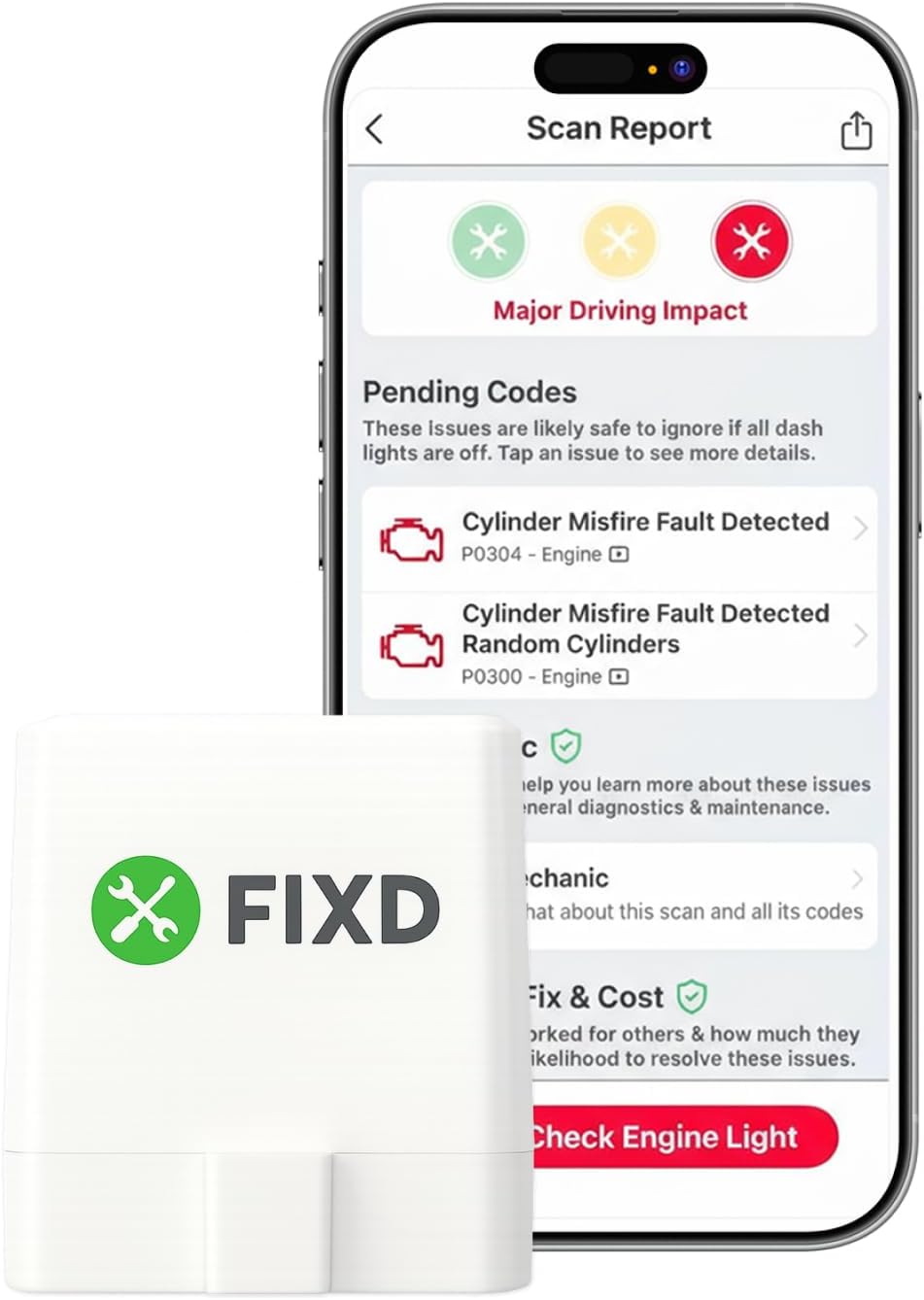
Compared with alternatives: more complete than FIXD or Veepeak for app-based diagnostics, but usually costs more than budget adapters.
Choose this if you want a guided phone-app scanner with clear beginner-oriented explanations.
Do you want one guided app or the freedom to choose third-party apps?
Skip this type if:
Skip a very cheap adapter if its Android app support is unclear.
Skip an app-based scanner if you do not want to use your phone while diagnosing the car.
Skip an advanced scanner if basic engine-code reading is all you need.
1. Do not buy only by price
Cheap adapters can work, but the lowest-price option is not always the best beginner choice.
A scanner that disconnects, pairs poorly, or works with only certain apps can make a simple check engine light feel harder than it needs to be.
2. Decide whether you want a guided app or app freedom
Some scanners work best inside their own app.
Others are better if you want to use third-party Android apps.
Neither is automatically better.
For beginners, a guided app is usually easier.
For curious users, app freedom can be better long term.
On Android,
also make sure the app has Bluetooth permission
and that you connected to the adapter the way the app expects.
If the scanner still will not connect,
use our
OBD2 scanner not connecting checks
before returning it.
3. Check what you actually need
Most drivers only need to read engine codes, clear codes after repairs, view basic live data,
and check emissions readiness.
You do not need a professional scan tool just to understand a basic check engine light.
If you are deciding between Bluetooth and traditional scanners,
see
Bluetooth vs Wired OBD2 Scanners
.
Before you clear a code:
write it down or take a screenshot first.
If the light comes back later, that original code can help you understand whether the same issue returned.
How we chose these scanners
We focused on beginner-friendly features,
Android and app compatibility, setup clarity,
basic code reading and clearing, price,
and common Bluetooth setup issues.
Clear Android compatibility and app support
Simple setup for first-time users
Ability to read and clear check engine codes
Clear app information instead of feature overload
Value compared with cheaper and more advanced options
Frequently Asked Questions
What is the best OBD2 scanner for Android if I am a beginner?
For Android beginners who want a simple, guided app experience,
BlueDriver is a good all-around option.
If you want to spend less and use compatible apps like Car Scanner or Torque,
Veepeak OBDCheck BLE is a lower-cost option.
Do Bluetooth OBD2 scanners work better on Android than iPhone?
Android usually gives you more app choices and broader Bluetooth adapter support.
That does not mean every cheap adapter is good,
but Android users often have more flexibility than iPhone users.
Can an Android OBD2 scanner clear the check engine light?
Yes. Many Android-compatible OBD2 scanners can read and clear engine codes.
Just remember that clearing the light does not fix the problem.
If the issue is still there, the light can come back.
If you are not sure what the light actually means,
see
What Does the Check Engine Light Mean?
.
What app should I use with an Android OBD2 scanner?
If your scanner has a good official app, start there.
If you are using a more flexible adapter, Car Scanner is a beginner-friendly place to start,
while Torque Pro is popular but can feel more technical.
Is a cheap Android OBD2 scanner enough?
For basic check engine light work, yes, a cheaper scanner can be enough if it connects reliably and reads standard engine codes.
But unknown ultra-cheap adapters can be frustrating,
especially for beginners who just want a clear answer.