Some links on this page are affiliate links. We may earn a commission at no extra cost to you.
Using an iPhone and just want a scanner that actually connects?
The biggest difference here is not just the scanner itself.
It is whether the scanner works smoothly with iOS and whether the app feels simple enough for a beginner.
For most first-time users, the goal is simple:
connect without frustration,
read the code,
and understand what the check engine light is trying to tell you.
Best Beginner-Friendly OBD2 Scanner for iPhone
★Best iPhone pick
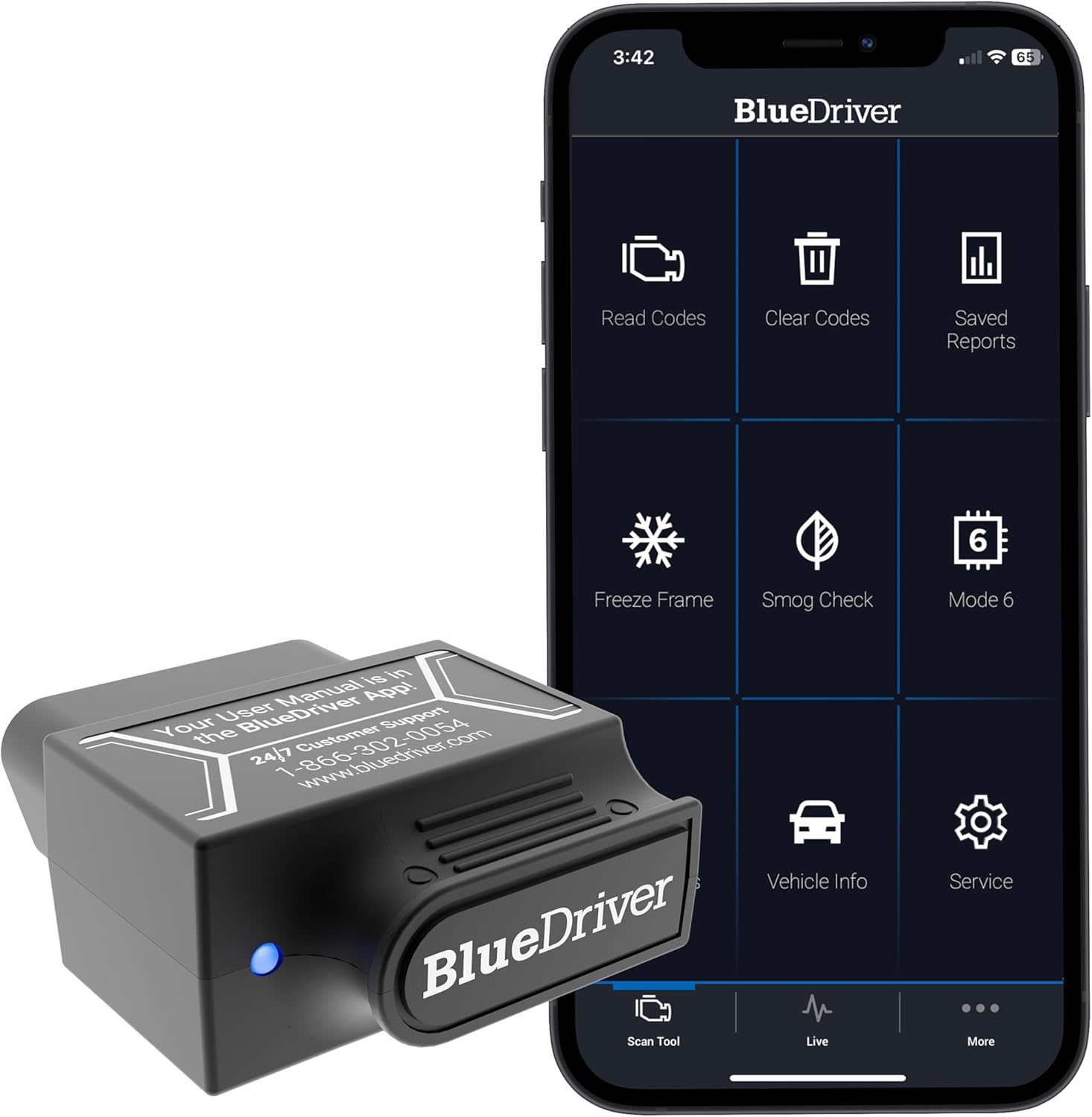
BlueDriver Bluetooth Pro
Clean app experience for iPhone users who want fewer setup headaches
Strong iPhone and iPad compatibility
Clear app explanations instead of raw codes
Good fit if you want fewer pairing issues
Best for: iPhone users who want the smoothest beginner-friendly setup.
Skip if: you mainly want the cheapest possible scanner.
For iPhone beginners who want a guided app, BlueDriver is a good all-around starting point.
The app is more guided than most cheap adapters,
and the setup is easier to trust if you just want to read a code and understand what it means.
Quick answer:
If you want a guided all-around iPhone scanner, start with BlueDriver.
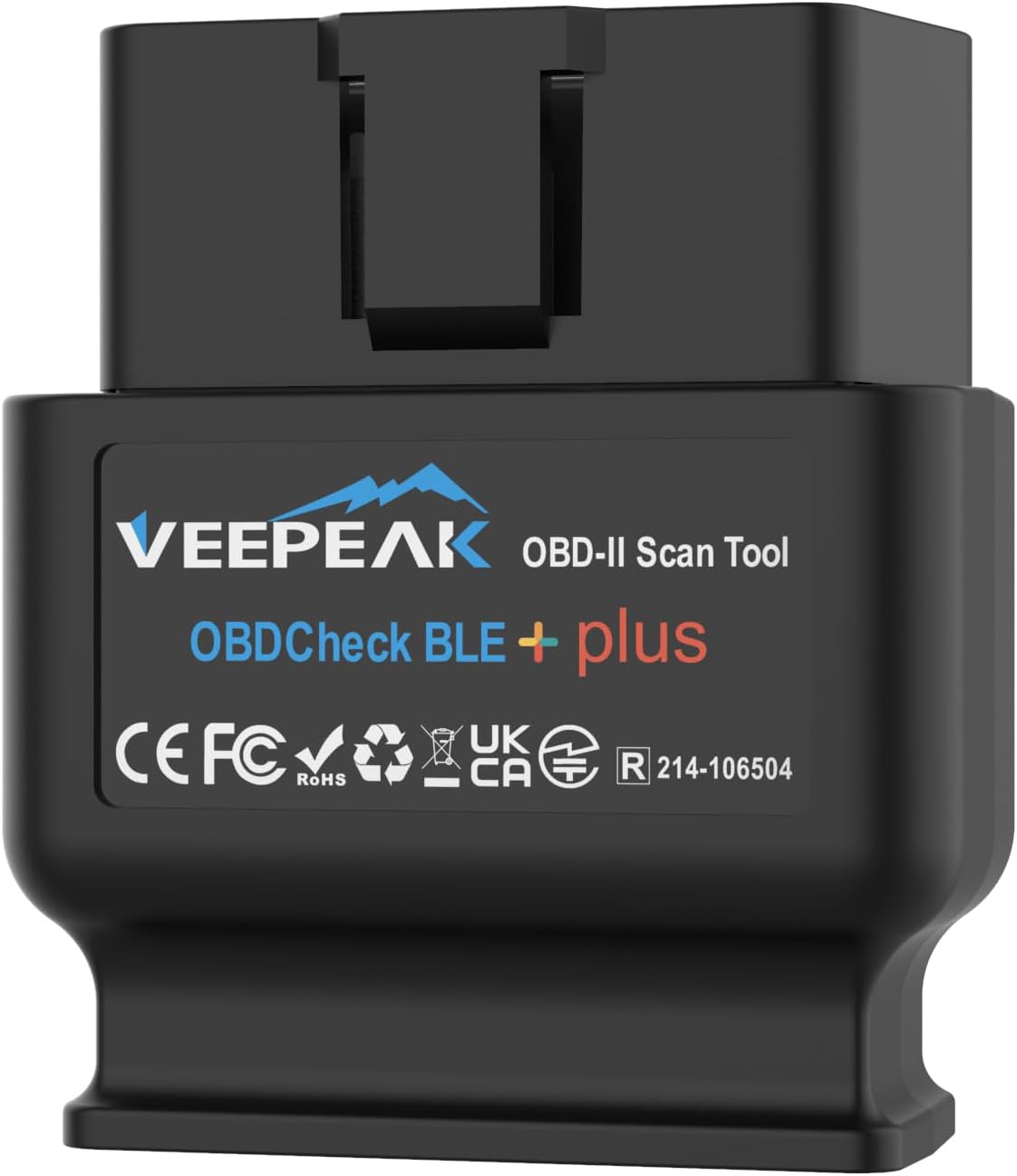
If you want a cheaper iPhone-friendly option, start with Veepeak OBDCheck BLE.
iPhone users usually need to be a little more careful than Android users,
because not every Bluetooth scanner works smoothly with iOS.
That is why this page focuses on scanners that make real sense for iPhone users,
especially if you are completely new to car diagnostics.
If you are completely new to this,
learn how to use an OBD2 scanner step-by-step
first.
On this page, we focus on the best OBD2 scanners for iPhone,
based on iOS compatibility,
ease of setup,
app experience,
and beginner value.
Our recommendations are based on independent research,
official compatibility information,
real user feedback,
and beginner-focused criteria.
Not every cheap Bluetooth OBD2 adapter works well with iPhone.
Some iPhone-compatible scanners use Bluetooth Low Energy (BLE),
while others connect over Wi-Fi.
Before buying, check that the scanner's required app supports iPhone
and that the adapter is listed as iOS-compatible.
Quick Comparison
Top iPhone-friendly picks for beginners
Quick comparison of OBD2 scanners that make the most sense when your main device is an iPhone.
If you want the easiest overall iPhone experience, start with BlueDriver.
If you want to spend less, start with Veepeak.
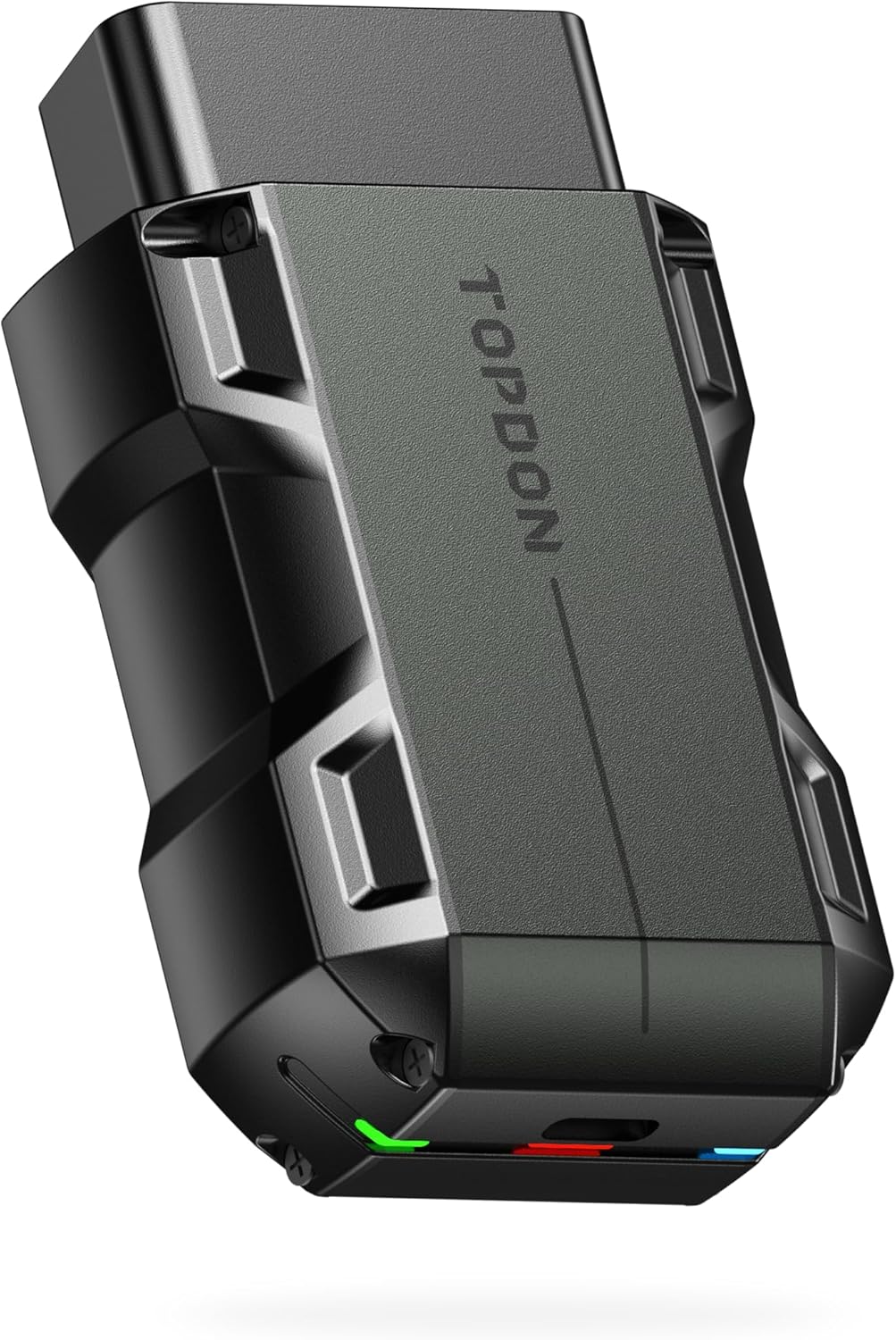
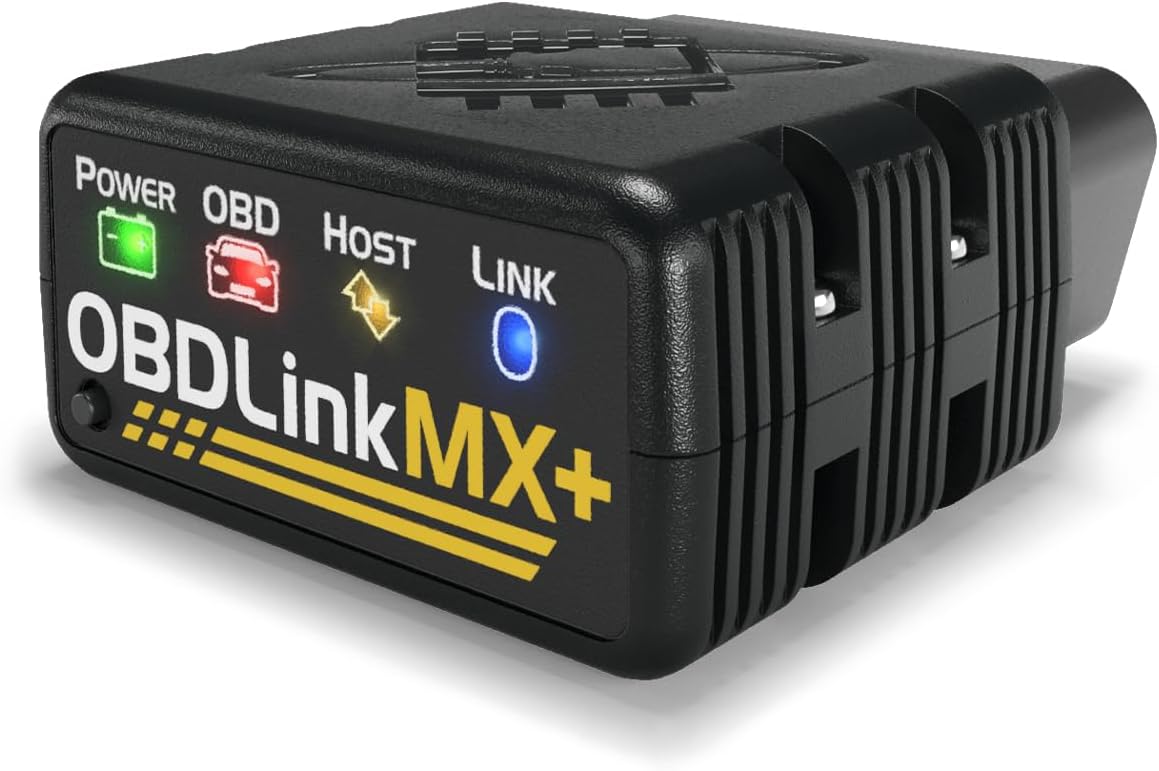
If you want more features than a basic beginner scanner, look at TopScan or OBDLink MX+.
BlueDriver Bluetooth Pro
BluetoothAndroidiPhoneBest overall
Best for: beginners who want the clearest all-around phone-app scanner and stronger diagnostic guidance than basic adapters.
Not best for: the lowest-budget buyer who only wants the cheapest way to read one engine code.
Connection: Bluetooth sensor + BlueDriver app.
Android / iPhone: works with iPhone/iPad and Android through the official BlueDriver app.
First check engine code read: yes — a strong choice for reading and clearing check engine light codes from a phone.
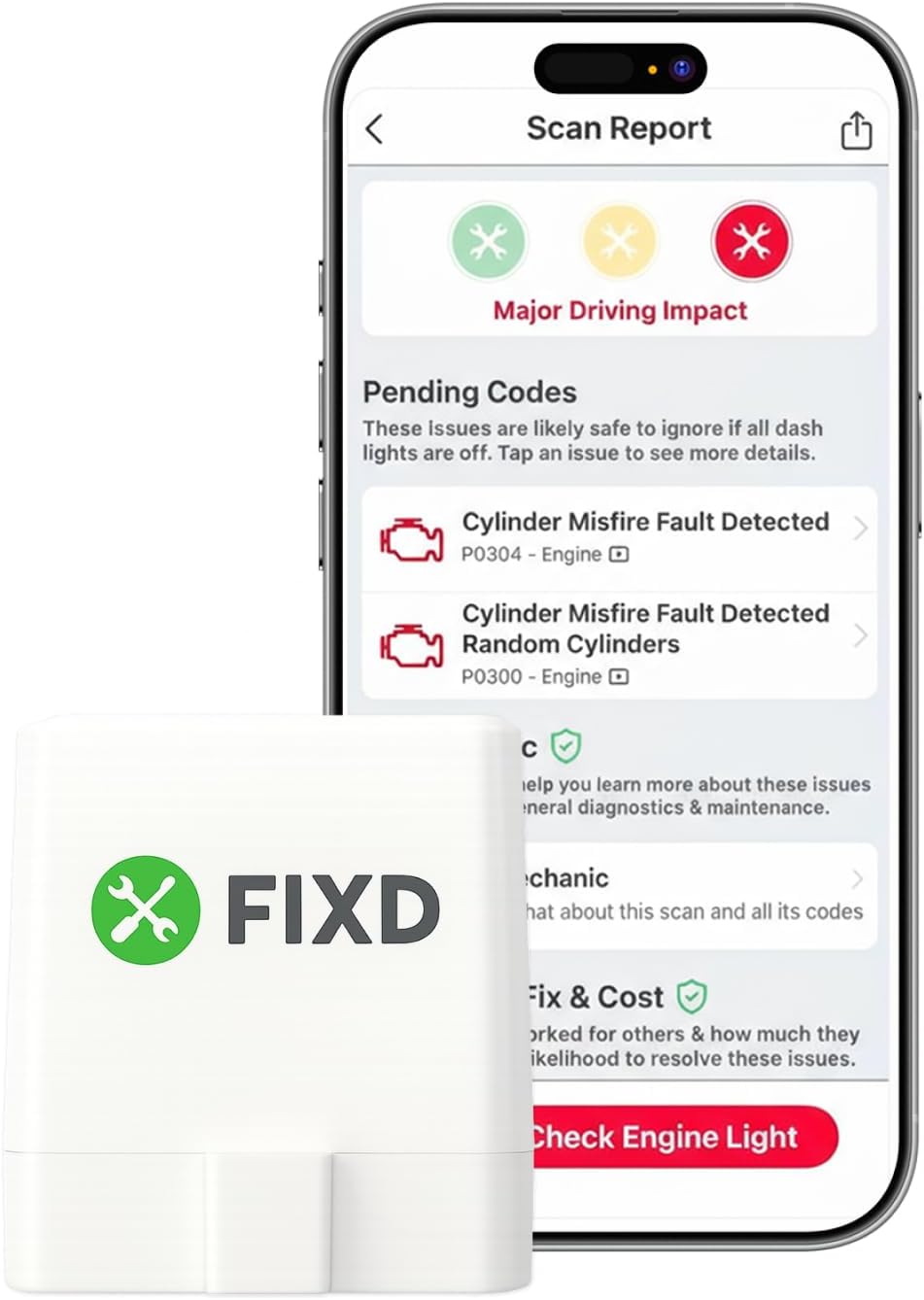
Compared with alternatives: more complete than FIXD or Veepeak for app-based diagnostics, but usually costs more than budget adapters.
Choose this if you want a guided phone-app scanner with clear beginner-oriented explanations.
For this page,
we gave extra weight to iPhone-specific beginner needs,
not just general scanner quality.
We prioritize:
Clear iPhone and iOS compatibility
Beginner-friendly setup and pairing
Clear code reading and code clearing
App experience that makes sense for non-mechanics
Overall value instead of feature overload
That means some technically capable scanners did not rank as highly here,
simply because they feel less clear or less beginner-friendly on iPhone.
Buying Guide for Beginners
Before buying, check:
Does the scanner clearly list iPhone or iOS support?
If it is wireless, does it use BLE or Wi-Fi that works with iPhone?
Does the required app support your iPhone?
Can it read and clear check engine codes?
Does pairing happen in the app or in the iPhone Bluetooth settings?
Skip this type if:
Skip a cheap Bluetooth adapter if the listing does not clearly say it supports iPhone or iOS.
Skip an app-based scanner if you want a tool that works without your phone.
Skip a very advanced scanner if you only want to read a basic check engine light code.
If you are shopping specifically for iPhone,
here is the simple rule:
buy the scanner that removes confusion first.
Most beginners do not need advanced coding,
professional bidirectional controls,
or deep manufacturer-level diagnostics right away.
They need a scanner that connects,
reads the code,
and helps them understand whether the problem looks minor or more serious.
If your iPhone sees the adapter
but the app cannot connect,
the problem may be iOS compatibility,
Bluetooth permissions,
or pairing inside the scanner app.
Before you replace the adapter,
check our
OBD2 scanner not connecting guide
.
If you want the cheapest iPhone-friendly route,
Veepeak is one of the easiest starting points.
If you want a more guided beginner experience,
BlueDriver is a good all-around option.
Frequently Asked Questions
What is the best OBD2 scanner for iPhone if I am a beginner?
For most beginners,
a good iPhone scanner should combine clear iOS support,
simple setup,
and understandable code information.
BlueDriver is a good fit if you want a guided app,
while Veepeak is a lower-cost option if you are comfortable choosing a compatible app.
Do all Bluetooth OBD2 scanners work with iPhone?
No.
That is one of the biggest mistakes beginners make.
Some cheap Bluetooth adapters work much better on Android than on iPhone,
so it is important to choose a scanner with clear iOS support.
If you use Android instead, see
best OBD2 scanner for Android
.
Is Bluetooth or Wi-Fi better for an iPhone OBD2 scanner?
For most beginners,
Bluetooth Low Energy is usually the cleaner choice on iPhone.
It also avoids the extra annoyance of switching your phone to a separate Wi-Fi connection.
Can an iPhone OBD2 scanner clear the check engine light?
Yes.
Many iPhone-compatible scanners can read and clear engine codes.
Just remember that clearing the light does not fix the root problem.
If the fault is still there,
the code usually comes back.
Do I need a subscription to use an OBD2 scanner with iPhone?
Not always.
Many scanners can handle basic code reading and code clearing without requiring a subscription.
Some brands may offer extra paid features,
but that is different from basic beginner use.
What if my scanner shows a code like P0171 or P0300?
Then the next step is understanding what that code means,
not replacing parts blindly.
Start with our
P0171 guide,
P0174 guide,
or
P0300 guide.