For most first-time users, the goal is not advanced diagnostics.
The goal is to stop guessing and understand why the check engine light came on.
Best Beginner-Friendly OBD2 Scanner Under $50
★ Best Budget Bluetooth Pick
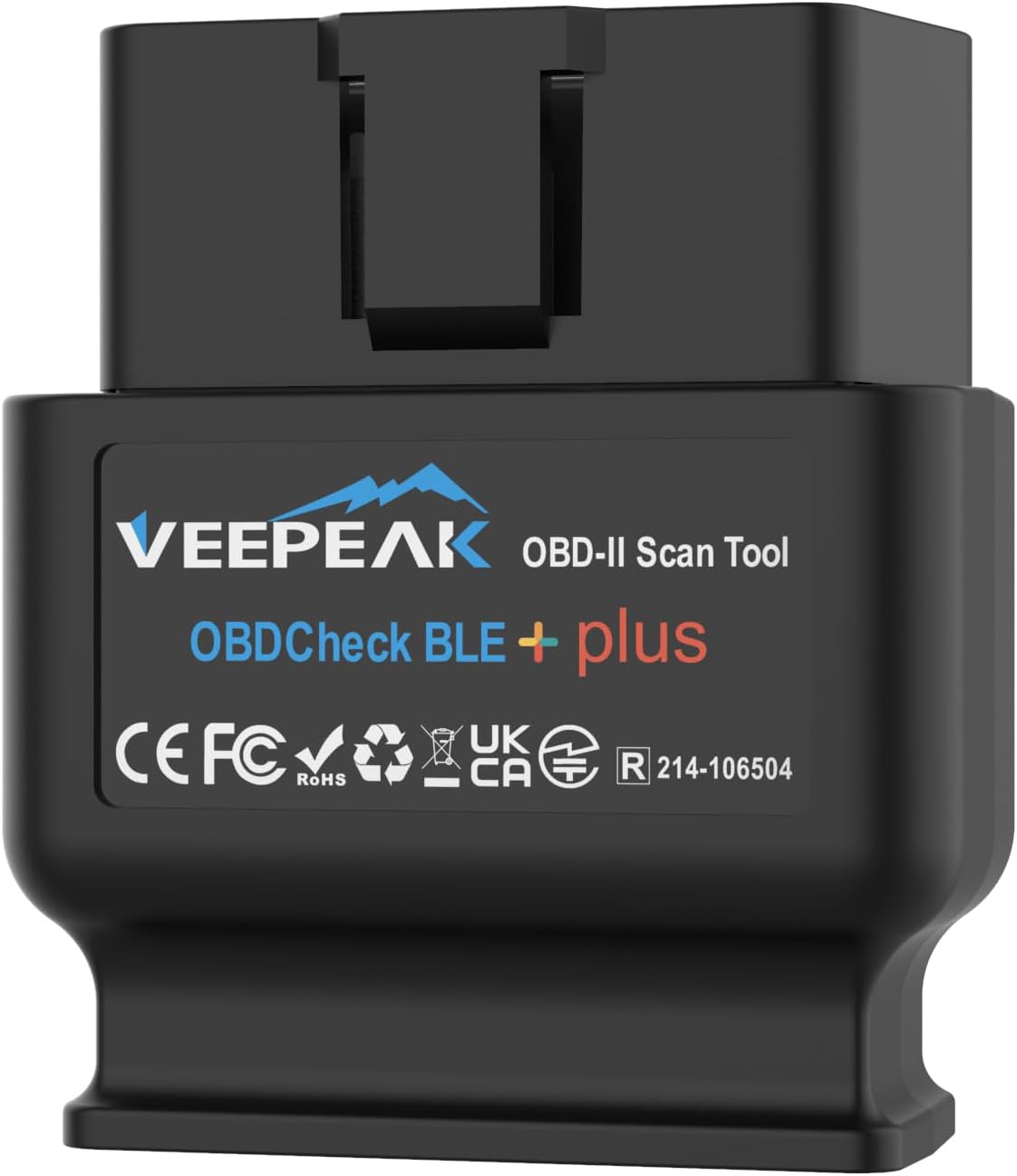
Veepeak OBDCheck BLE
Best beginner-friendly Bluetooth scanner under $50
Works with iPhone and Android
Simple Bluetooth setup for first-time users
Usually stays comfortably below the $50 range
Best for: beginners who want a simple Bluetooth scanner without overspending.
Skip if: you already want advanced live data or premium app features.
For most beginners, the Veepeak OBDCheck BLE gives the best balance between price,
simplicity, and everyday usability. It keeps things beginner-friendly without pushing
you into more expensive scanner territory.
Short answer: If you want the best balance of beginner usability and budget,
start with a simple scanner that reads and clears codes reliably instead of chasing extra features.
The tricky part with this category is that some scanners that used to feel “budget” now sit above $50.
So this page focuses only on picks that still make sense for a real beginner budget.
Our recommendations are based on independent research,
real user feedback, beginner-focused criteria,
and current price positioning within the under-$50 range.
In this price range, it helps to stay realistic.
You are not shopping for a professional shop tool.
You are shopping for something that can help you read the code,
clear the light if needed, and understand where to start.
For this guide, we focused on scanners that are still beginner-friendly,
still reasonably priced, and still useful without requiring advanced experience.
When comparing scanners under $50, the most important factors were:
Ease of setup for first-time users
Whether they stay under the $50 budget
Compatibility with iOS and Android, or simple standalone use
Basic code reading and code clearing
Overall value without unnecessary complexity
If you want the easiest phone-based setup,
a beginner-friendly Bluetooth scanner usually makes more sense.
If you want simple plug-and-play with no app at all,
a wired scanner can be the better buy.
Short on time?
If you want the best balance under $50, start with Veepeak.
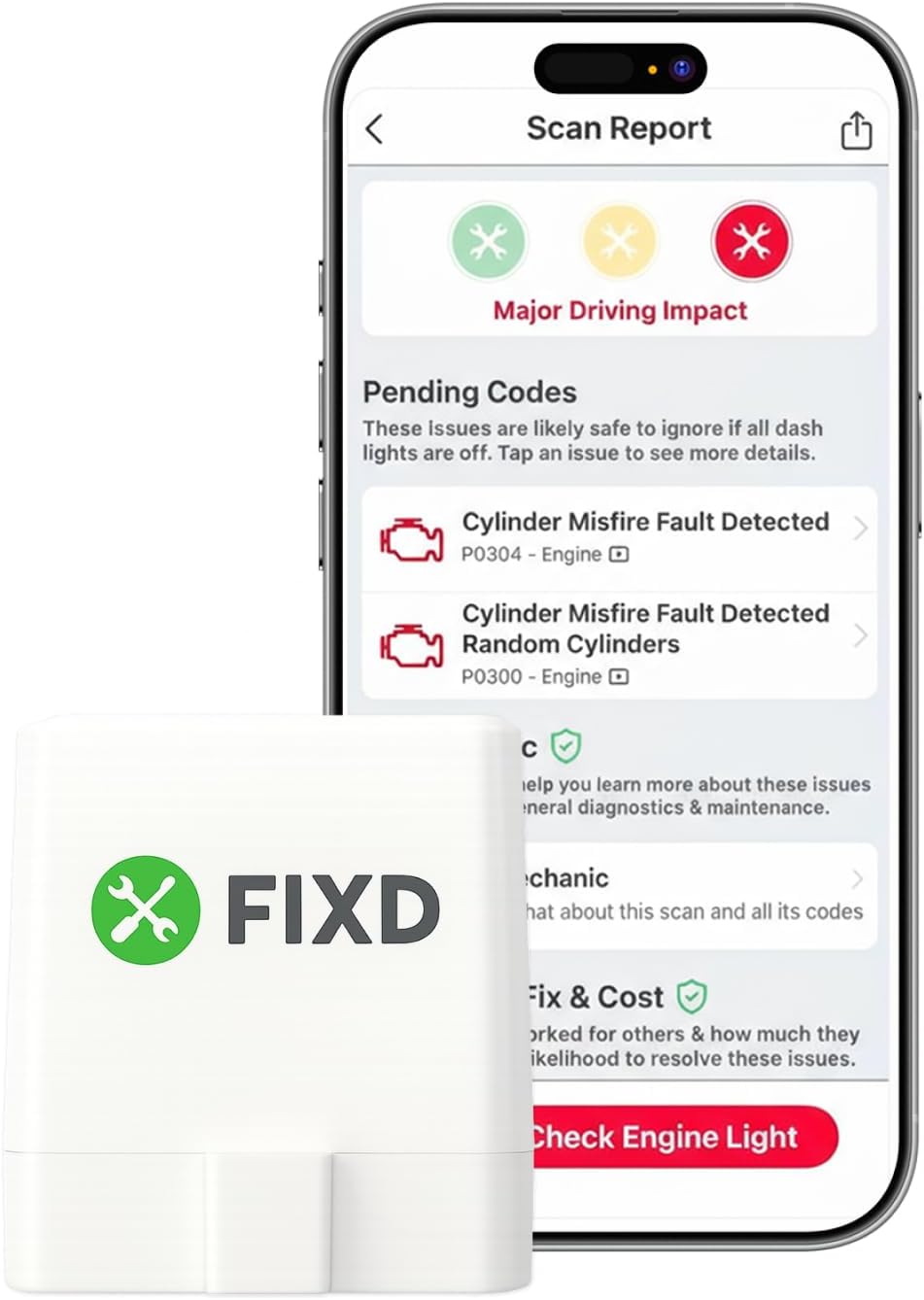
If you want the most guided beginner app, FIXD is still worth a look when it stays below the price line.
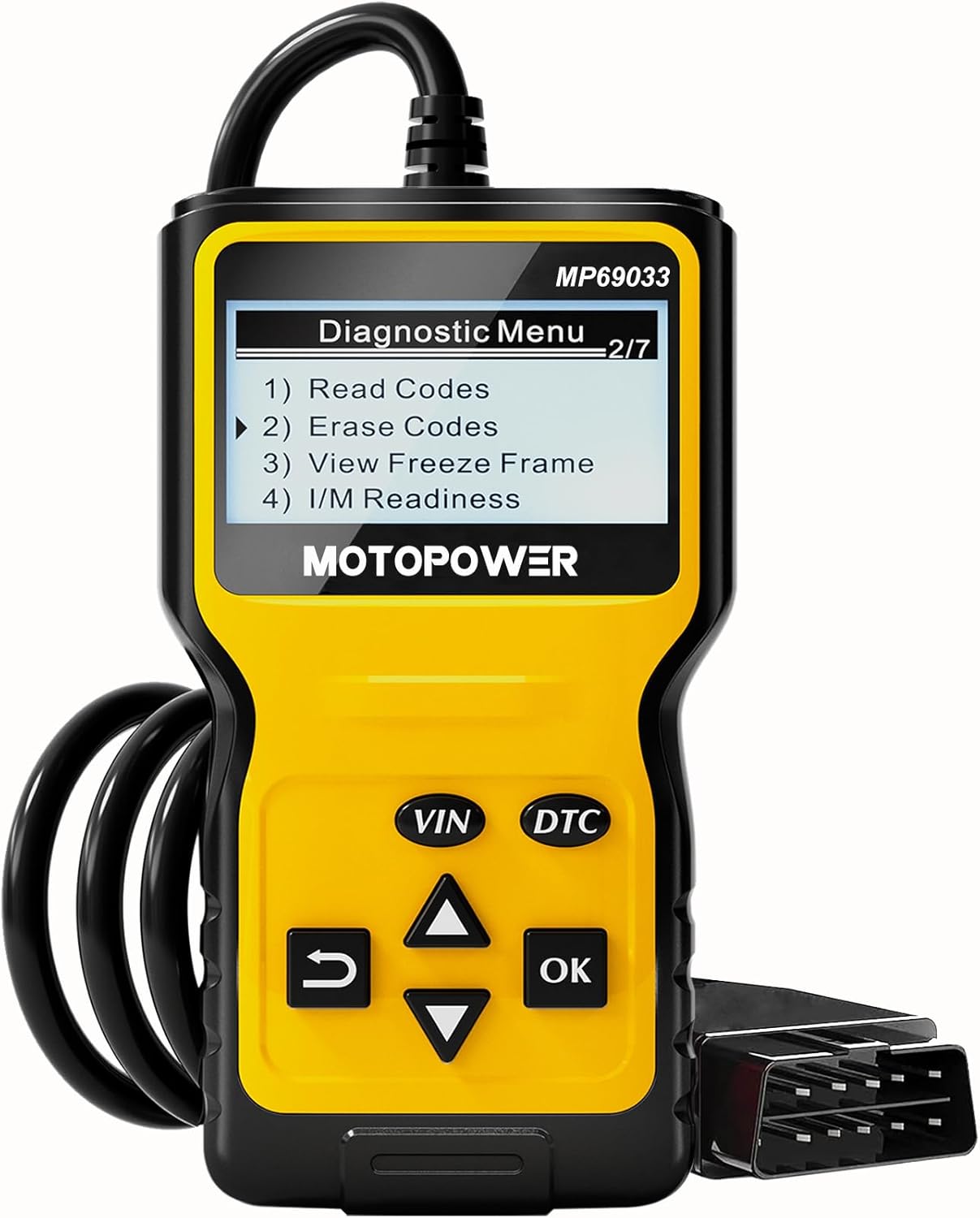
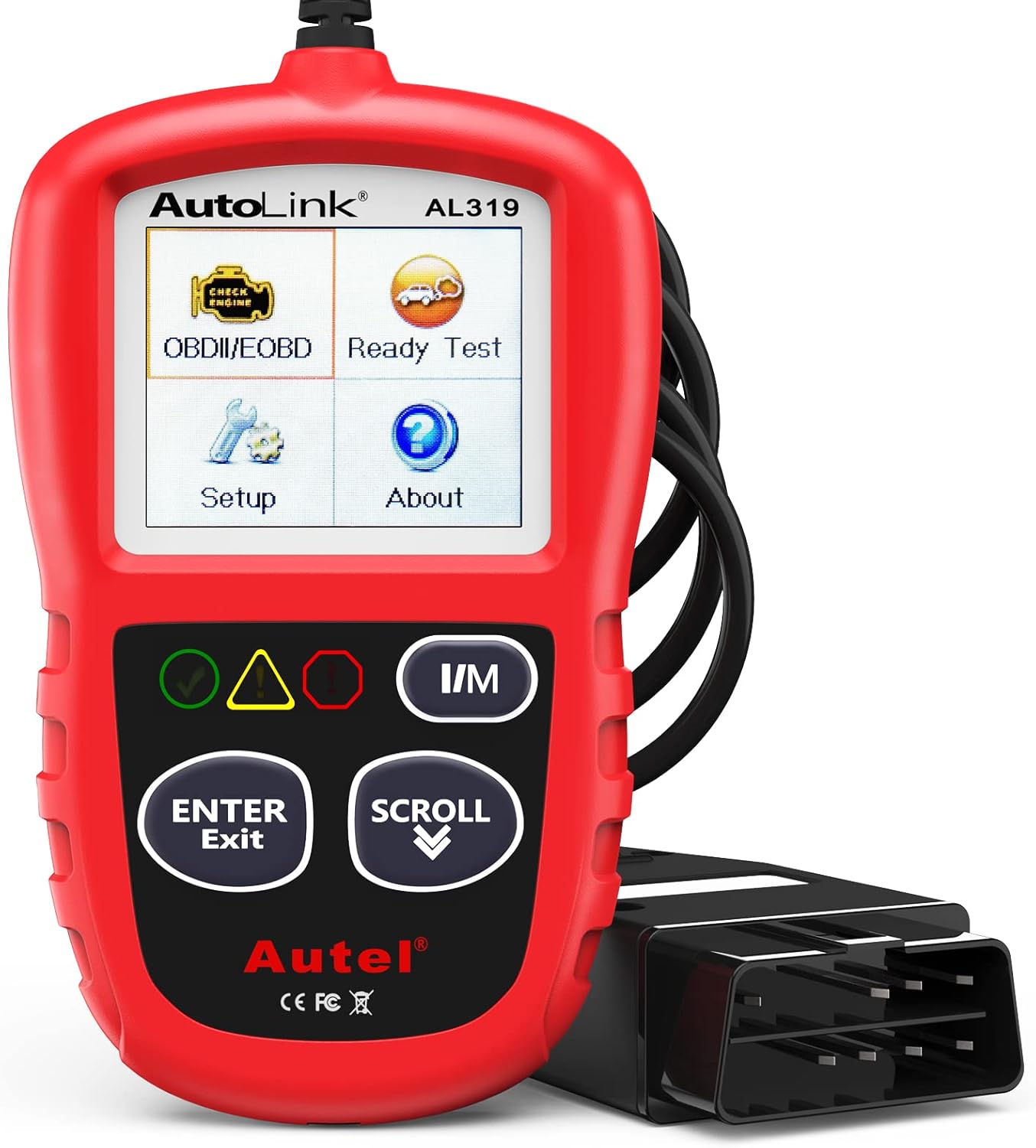
If you want a simple wired tool, start with MOTOPOWER or Autel AL319.
Bluetooth picks (best for most beginners)
Veepeak OBDCheck BLE
Bluetooth LEAndroidiPhoneBudget
Best for: phone users who want a low-cost Bluetooth adapter and are comfortable choosing an OBD2 app.
Not best for: people who want one official guided app with built-in repair explanations.
Connection: Bluetooth LE / Bluetooth adapter + compatible third-party OBD2 app.
Android / iPhone: works with iOS and Android; on iPhone, connect inside the app instead of pairing in iOS Bluetooth settings.
First check engine code read: yes, when paired with a compatible app that reads OBD2 trouble codes.
Compared with alternatives: cheaper and more flexible than BlueDriver, but less beginner-guided because the app choice matters.
Choose this if you want a low-cost adapter and are okay choosing the app yourself.
We focused on scanners that make sense for a first-time user
while still fitting the under-$50 category.
We compared current price position, listed compatibility,
setup requirements, basic code-reading features,
and overall beginner usability.
Ease of use for first-time users
Whether the scanner still fits the under-$50 category
Phone and app compatibility, or simple standalone use
Ability to read and clear basic engine codes
Value without paying for features a beginner may not need
Buying Guide for Beginners
Before buying, check:
Is the current price actually under $50?
If it uses a phone, does it support your iPhone or Android device?
Does it require a separate paid or third-party app?
Can it read and clear check engine codes?
Would a simple wired scanner be easier for you than a Bluetooth adapter?
Skip this type if:
Skip the cheapest unknown adapter if phone and app compatibility are unclear.
Skip a Bluetooth scanner if you want a tool with its own screen and no phone setup.
Skip an advanced scanner if your only goal is a basic check engine light code read.
If your main goal is to read one check engine code and understand what it means,
you do not need to overbuy.
In this price range, the biggest decision is usually this:
do you want a Bluetooth scanner that works through your phone,
or a wired scanner that works by itself?
If you want clearer code explanations on your phone,
Bluetooth is usually the better beginner choice.
If you want the simplest no-app setup,
a wired tool can be the better fit.
Frequently Asked Questions
Is an OBD2 scanner under $50 good enough for a beginner?
Yes. For most beginners, a scanner in this range is enough to
read engine codes, clear the light, and stop guessing.
That is usually all you need for a first step.
Is Bluetooth or wired better under $50?
Bluetooth is usually better if you want a phone-based app that feels easier to follow.
Wired is usually better if you want simple plug-and-play with no pairing or app setup.
Can a cheap OBD2 scanner clear the check engine light?
Yes. Many beginner scanners under $50 can read and clear engine codes.
But remember: if the actual problem is still there,
the light may come back.
Do I need to spend more than $50 to get a good scanner?
Not necessarily.
Spending more can give you deeper diagnostics,
more app support, or more advanced features,
but many first-time users only need a scanner that can help them understand the basic problem.
What if my scanner shows a code like P0420 or P0300?
That code points to a specific issue.
You still need to understand what the stored trouble code means before deciding what to fix.
For example, read our
P0420 code guide
or
P0300 code guide.