
Most guided first scan
FIXD Bluetooth OBD2 Scanner
Good if you want simple explanations and a brand-specific app instead of choosing a third-party OBD2 app.
Some links on this page are affiliate links. We may earn a commission at no extra cost to you.
The best Bluetooth OBD2 scanner for beginners is the one that works with your phone, has a clear app, reads check engine codes, and does not make setup confusing.
If you want a guided all-around Bluetooth experience, BlueDriver is a good starting point in this guide. If you want to spend less and do not mind choosing an app yourself, Veepeak OBDCheck BLE makes more sense. FIXD is a good fit when you want a guided app, while TOPDON TopScan and OBDLink MX+ are better for people who expect to use more features later.
The important part is that a Bluetooth scanner is not just a small OBD2 dongle. You are choosing a scanner + phone + app combination. A cheap adapter with a confusing app can be harder for a beginner than a more expensive adapter with a clear setup flow.
New to scanning? How to Use an OBD2 Scanner walks through the basic plug-in, ignition, and code-reading steps.
Start with phone compatibility and app style before comparing extra features. Every scanner below is phone-based, but they do not all handle the app side in the same way.
Quick comparison for wireless, app-based scanning.
| Scanner | Best for | Works with iPhone? | Works with Android? | App needed? | Skip it if |
|---|---|---|---|---|---|
| BlueDriver Bluetooth Pro | Most beginnersGuided all-around app | Yes | Yes | BlueDriver app | You only need the cheapest reader |
| Veepeak OBDCheck BLE | BudgetBudget + app flexibility | Yes | Yes | Third-party app | You want one guided official app |
| FIXD Bluetooth OBD2 Scanner | Guided appSimple first scans | Yes | Yes | FIXD app | You want more app flexibility |
| TOPDON TopScan | More featuresMore advanced features | Yes | Yes | TopGuru / TopScan | You only need basic code reading |
| OBDLink MX+ | Long-termFast adapter + app flexibility | Yes | Yes | OBDLink / compatible app | You are on a tight budget |
BlueDriver Bluetooth Pro is the best all-around Bluetooth pick for most beginners because the scanner and the app are designed to work together. You do not have to buy a generic adapter first and then figure out which app, connection setting, and feature set make sense.
Best Bluetooth OBD2 Scanner for Most Beginners
Best overall Bluetooth pick
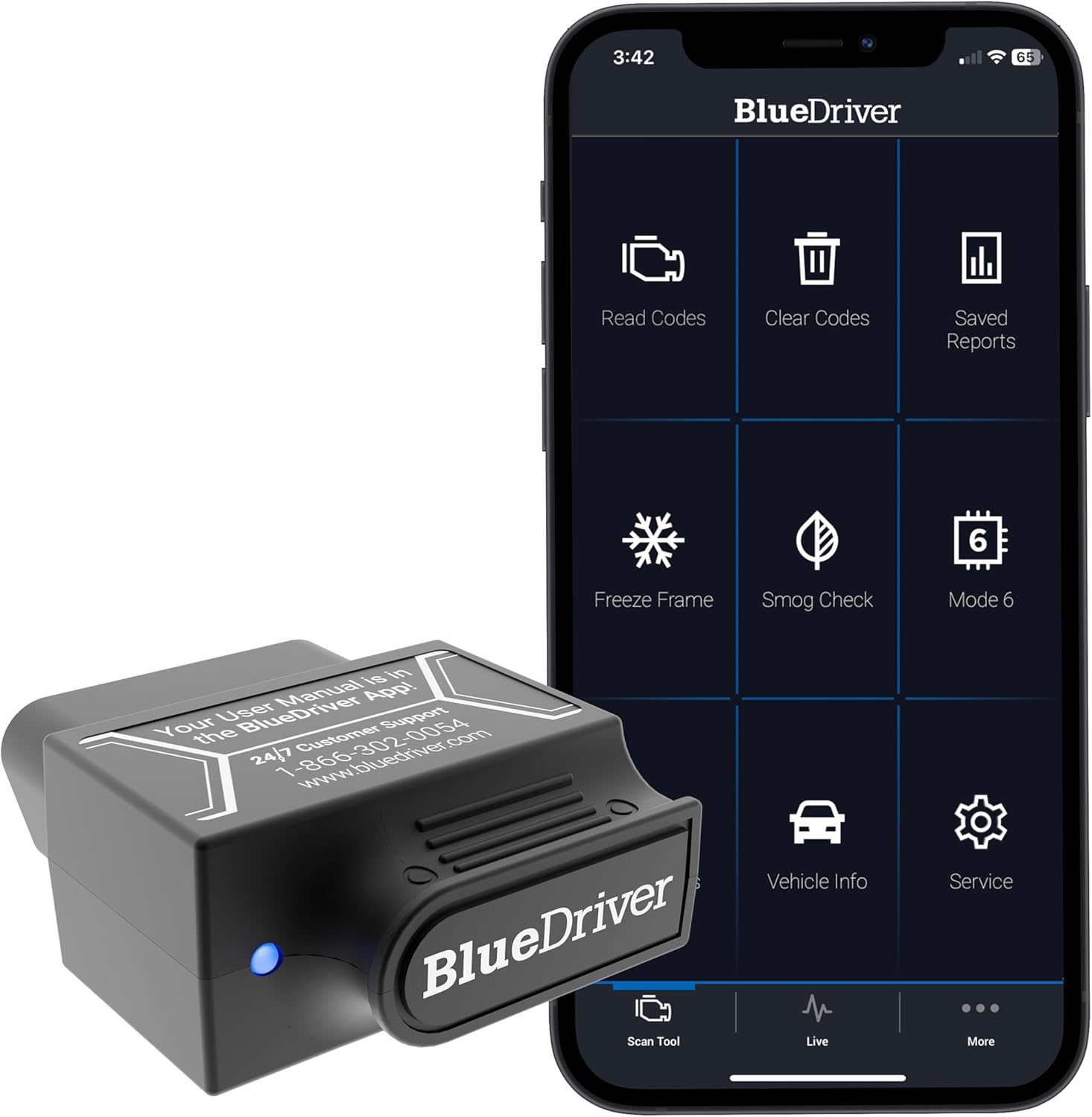
Best fit if you want a clear app without choosing a separate OBD2 app first
Best for: first-time users who want one Bluetooth scanner and one clear app.
Skip if: you only need the cheapest way to read a basic engine code.
BlueDriver costs more than a basic generic Bluetooth adapter, but the extra value for a beginner is the integrated app experience. That matters when your priority is getting connected, reading the code, and understanding what the result means without spending the first scan comparing third-party apps.
Check current priceMost guided first scan
Good if you want simple explanations and a brand-specific app instead of choosing a third-party OBD2 app.
More features to grow into
Better fit if you want more than basic engine-code reading and are willing to deal with a more feature-heavy app and paid advanced functions.
Long-term app flexibility
Good if you want iPhone, Android, and Windows support plus a premium adapter that can work with the OBDLink app and compatible third-party apps.
For a beginner using an iPhone, BlueDriver is a good all-around choice in this group. Veepeak OBDCheck BLE is the cheaper alternative if you are comfortable choosing a compatible app yourself.
iPhone compatibility is worth checking carefully because some low-cost adapters use Bluetooth modes that work on Android but not on iOS. With Bluetooth Low Energy adapters, pairing may also happen inside the OBD2 app instead of the normal iPhone Bluetooth settings.
Android gives you more Bluetooth adapter and app choices than iPhone. That is useful if you want apps such as Car Scanner, Torque, or other vehicle-specific tools, but it can also create more setup choices for a first-time user.
BlueDriver is still a good all-around Android option if you want one guided app. If price and app flexibility matter more, Veepeak OBDCheck BLE is a better fit. If you want a premium adapter that can grow with you, OBDLink MX+ is the stronger long-term option.
If you want a lower-cost Bluetooth scanner, Veepeak OBDCheck BLE is the best fit for most beginners who are okay choosing an app themselves. It supports iPhone and Android, but unlike BlueDriver or FIXD, the adapter is not built around one official diagnostic app.
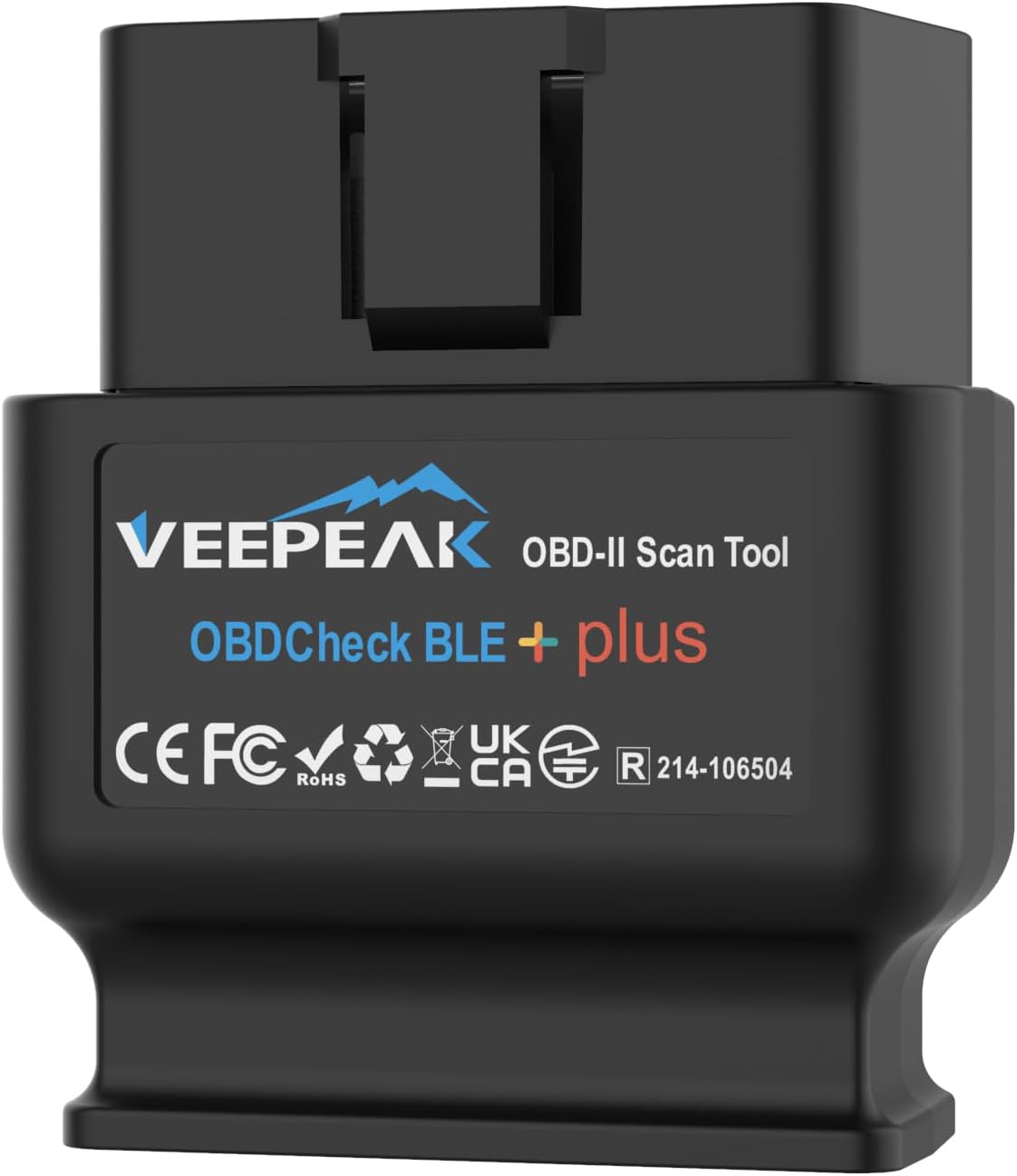
Best for: beginners who want a low-cost wireless adapter and are comfortable choosing a compatible OBD2 app.
Not best for: people who want one guided official app with built-in repair explanations.
Choose this if budget matters more than having one guided scanner app.
Check current priceIf your budget is the main limit, prices move enough that it is worth checking the dedicated Best OBD2 Scanners Under $50 page before buying.
Bluetooth is the best fit for most phone-based users because the adapter stays small and your phone remains the screen. The main downside is that you still need the right app, Bluetooth permissions, and correct pairing steps.
Wi-Fi adapters create their own wireless network instead of using Bluetooth. They can work well, but your phone may need to join the adapter's Wi-Fi network during diagnosis, which can feel less natural for a beginner.
Wired scanners remove the phone and wireless setup completely. You plug the scanner into the OBD2 port and use the scanner's own screen and buttons.
Connection problems do not automatically mean the scanner is bad. The first checks are whether the adapter has power, whether the ignition is in the correct position, whether the app has Bluetooth permissions, and whether the scanner is supposed to pair in the phone settings or inside the app.
This is especially important on iPhone because some Bluetooth Low Energy adapters are meant to connect directly through the OBD2 app. Trying to pair them like headphones in the normal Bluetooth menu can make a working scanner look incompatible.
A Bluetooth scanner is not automatically the easiest choice for every beginner. A wired scanner can be better if you do not want to install an app, create an account, grant phone permissions, or troubleshoot wireless pairing.
Wired also makes sense if you only want to read and clear basic engine codes occasionally. In that situation, a simple handheld code reader can be more direct than keeping another phone app installed.
If you are not committed to Bluetooth yet, compare both styles in Best OBD2 Scanners for Beginners.
Yes. They are especially good if you are comfortable using your phone and want code explanations, live data, or saved scan history in an app. The main extra step is making sure the scanner, phone, and app are compatible with each other.
Many do, but not all of them. Look for clear iPhone/iOS support or Bluetooth Low Energy support. Do not assume a very cheap classic-Bluetooth adapter will work with iPhone just because it works with Android.
Yes. Android works with a wide range of Bluetooth OBD2 scanners and apps. The main choice is whether you want one brand-specific guided app or a more flexible adapter that works with third-party apps.
Bluetooth is better if you want to use your phone and prefer an app-based interface. Wired is better if you want the simplest plug-in workflow with no pairing or app setup. Neither type is automatically better for every beginner.
Common causes include no power at the OBD2 port, the ignition being off, missing Bluetooth permissions, pairing in the wrong place, the wrong app connection setting, or a scanner that does not support your phone. Check the adapter instructions before assuming it has failed.